How to Change a Clicker Garage Door Opener Code—and Why It Matters
Few systems in your home offer the blend of utility and security like your garage door opener. On the surface, it’s just a mechanical device—press a button, the door opens or closes, and that’s that. But delve a bit deeper, and your garage door is a significant access point to your home, and by extension, your family’s safety. That’s why understanding how to change your Clicker garage door opener code isn’t just a useful skill—it’s an essential one. If you’ve recently moved into a new home, lost a remote, or experienced a power outage, updating the code can prevent unauthorized entry. And if you’re the kind of homeowner who values peace of mind, knowing how this system works—and how to maintain it—means you’re staying ahead of potential issues.
Understanding the Clicker Garage Door Opener
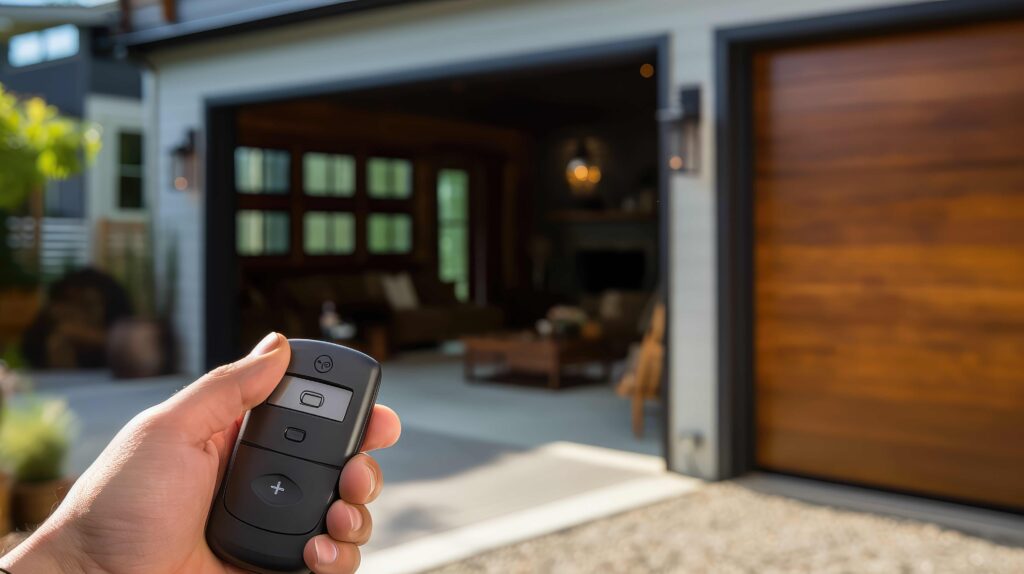
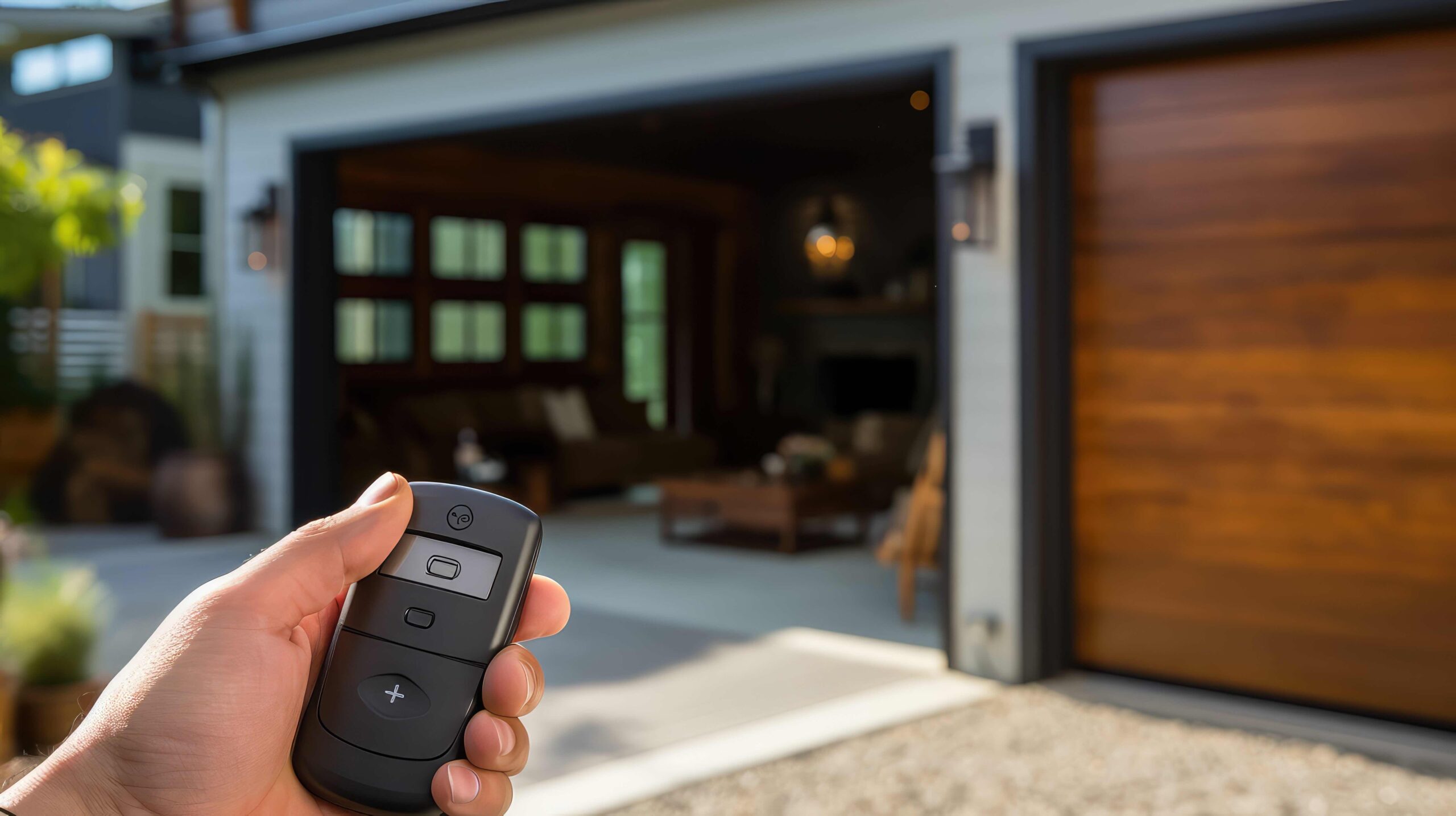
A Clicker garage door opener is a universal remote manufactured by Chamberlain. It’s designed to work with most major garage door opener brands manufactured after 1993, including LiftMaster, Genie, Craftsman, and Chamberlain itself. As a device, it’s both simple and powerful. The remote transmits a radio frequency signal to the opener mounted on the ceiling of your garage, triggering a response that either opens or closes the door. Behind that process is a code, which must match the code programmed into the garage door opener unit to function properly. That code is the center of your garage door system’s security.
How Garage Door Opener Codes Work
Modern garage opener remotes—including Clickers—use what’s known as rolling code technology. Initially developed to enhance security, rolling codes change every time the remote is used. Rather than transmitting the same, static code again and again (a vulnerability that can be exploited by code grabbers), the system generates a new code from a pre-specified algorithm with each use. Both your remote and the motor unit know what’s coming next, so the opener only responds to valid, fresh codes. That means every time you click the button, the code advances, always staying one step ahead of potential security breaches.
Why You Should Change the Code
There are a few real-world scenarios where changing the code is non-negotiable. If you’ve just bought a house, especially one with an attached garage, do not assume the previous owners reset the code—take ownership of your security. Similarly, if you’ve lost a remote or had one stolen, you should immediately erase all remotes and reprogram them. Another practical reason? Faulty or inconsistent remote behavior. Sometimes, remotes fall out of sync with the opener or lose performance. Resetting and recoding them ensures seamless operation again. In broader terms, periodic resetting is simply good preventative maintenance—as essential as replacing HVAC filters or checking smoke detectors.
Steps to Change Your Clicker Garage Opener Code
The process is straightforward, and while it may vary slightly by model, here’s how it typically works. Start by accessing the motor unit mounted on the ceiling. Locate the “learn” button on the opener—it’s usually found near the LED light or under a small panel. Press and hold this button until the LED turns off or blinks; this action erases all existing remote codes. Now you’re working from a clean slate. Next, press the “learn” button again briefly until the LED lights up. Within 30 seconds, press the desired button on your Clicker remote. The LED should blink or turn off to confirm the new code was accepted. Test the remote. If it opens the door, you’ve successfully changed the opener code. Make sure to test all remotes presently in use and program them to the new code if necessary.
Advantages of New Code Programming
Control and convenience are obvious benefits. Having reviewed or updated your home’s access codes ensures no unauthorized users—former tenants, disgruntled workers, or misplaced remotes—can disrupt your peace of mind. More importantly, it’s a proactive security measure. In an age where digital and physical breaches are more common than ever, resetting systems that protect your property keeps you a step ahead of any opportunistic intruder. It’s also an empowering DIY option, allowing you to take part in maintaining an essential system without waiting for a technician or facing steep bills. The process is usually tool-free and takes minutes.
Common Challenges and Drawbacks
Despite being generally user-friendly, there are occasional limitations. First, not all Clicker remotes are compatible with every garage motor, especially older or unconventional brands. If your garage door opener predates 1993 or uses dip-switch technology, a Clicker might not communicate properly. Another potential hiccup is syncing errors—timing is crucial when pressing the remote after the “learn” button. Miss the narrow window, and your efforts may not stick. Finally, for garages operated by more than one user, resetting the code means reprogramming every other user’s remote, which could be inconvenient if forgotten. Still, these hurdles are manageable with planning and patience.
Best Practices for Garage Security
Beyond resetting codes, think holistically about your garage security. Consider upgrading to a smart garage controller, which lets you monitor and control your garage opener remotely via smartphone. These systems often come with activity logs and notifications, strengthening peace of mind. Replace remote batteries routinely to avoid connectivity drops. Make it a habit to lock the door between the garage and the house; many homeowners overlook this critical three-feet of access. If your opener struggles or gives inconsistent results, address it immediately—a slow motor or freezing signal could indicate wear or failure around the corner. Secure the outside of your garage door too; smart motion lighting and cameras are affordable yet effective deterrents.
Why This All Matters from a Home Warranty Perspective
From a home warranty standpoint, your garage door opener is considered a vital mechanical system for many providers. Malfunctions—whether from electrical issues, gear deterioration, or motor failure—are common service requests. Knowing how to reprogram or troubleshoot your Clicker remote does two things. First, it empowers you to address minor access issues that aren’t covered by warranty (like reconfiguring the code). Second, it lets you clearly articulate the root cause when a genuine breakdown occurs, helping expedite claims. With a service plan in place, you’re not left guessing whether the opener will suddenly fail. Instead, you’ve got backup when bigger problems arise—a safety net that transforms routine homeowner headaches into manageable appointments.
Protect Critical Systems Like Your Garage Door Opener with Armadillo
The garage door opener plays a bigger role in your safety and comfort than many homeowners realize—until something stops working. With exact knowledge on how to maintain and secure it, including how to change the Clicker garage opener code, you’re ahead of costly breakdowns and preventable risks. But no homeowner can anticipate every failure. That’s where a home warranty comes in. At Armadillo, we offer plans specifically designed to protect crucial systems like your garage door opener. From motor replacements to remote control failures, our comprehensive service options remove the guesswork and deliver real peace of mind. To see how we can support your home’s full ecosystem of appliances and systems, visit our homepage at www.armadillo.one. Ready to customize your protection? Start building your plan today at our plan builder tool. You’ve secured your code—now secure your entire home.