





Why Changing Your Locks After Buying a House Is the First Thing You Should Do
You got the keys. You signed the papers. You maybe cried a little in the parking lot of the title company. Completely understandable. But before you start measuring for curtains or arguing about where the couch goes, there is one task that belongs at the very top of your new homeowner checklist: changing your locks. It sounds simple, maybe even obvious, but a surprising number of buyers skip this step entirely. And that is a mistake worth understanding before it becomes a problem worth regretting.
Who Else Has a Key to Your New Home
This is the question most buyers never think to ask. By the time you receive your keys at closing, those locks have likely passed through the hands of the sellers, their family members, previous tenants, housekeepers, dog walkers, contractors, real estate agents, and whoever made copies along the way. There is no centralized log. There is no accountability system. You simply do not know how many copies of your key exist or where they are right now. That uncertainty alone makes rekeying or replacing your locks a straightforward decision. You are not being paranoid. You are being practical.
Rekeying vs. Replacing: What Is the Difference and Which One Do You Need
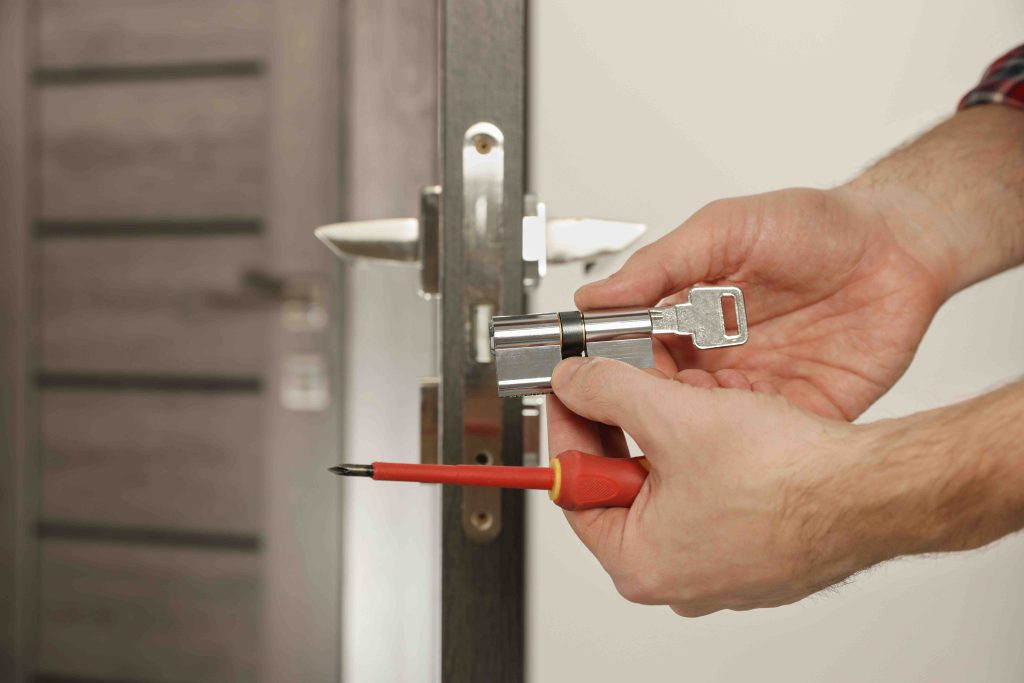
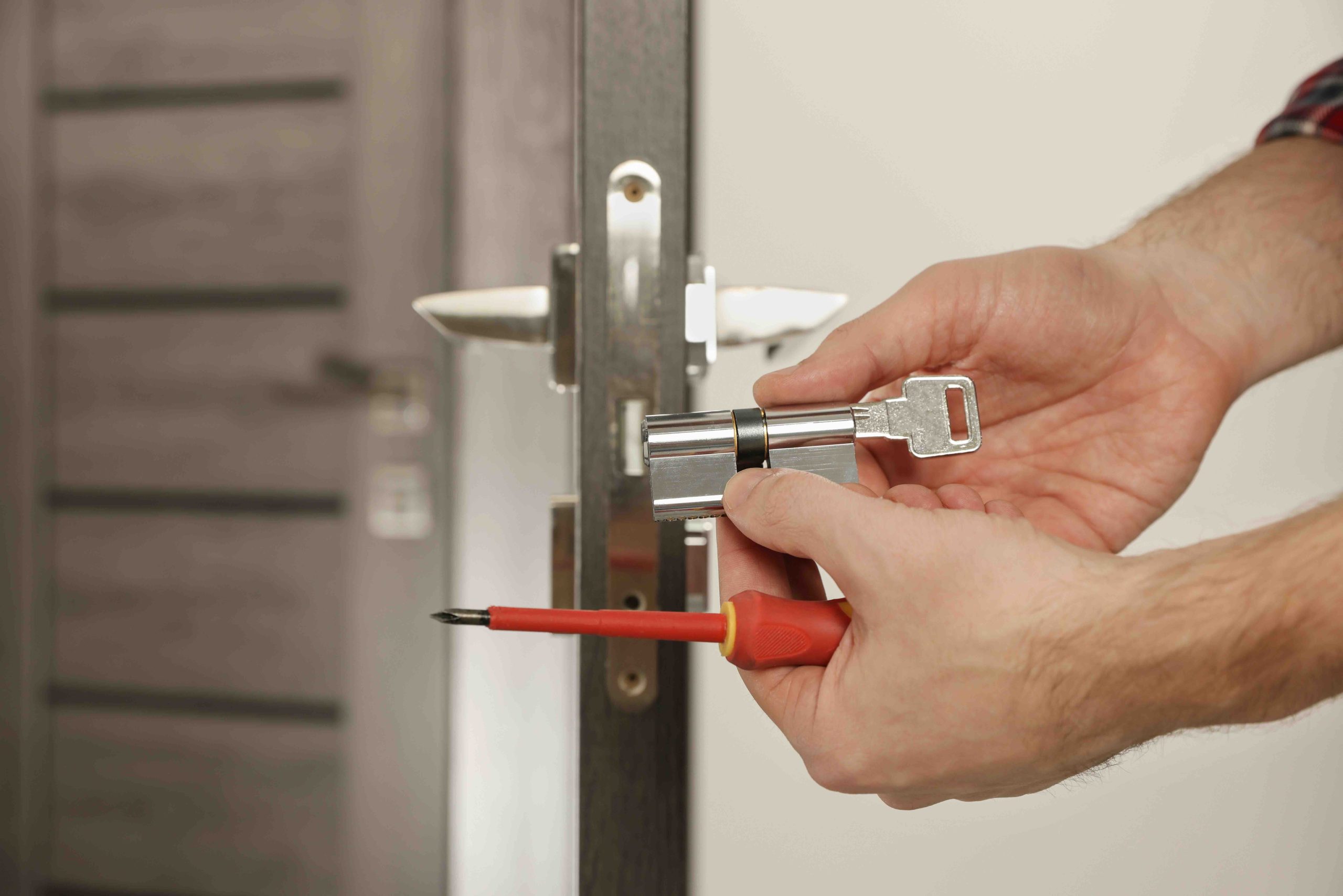
These two terms get used interchangeably, but they are actually different solutions. Rekeying involves a locksmith adjusting the internal pins of your existing lock cylinder so that the old key no longer works. A new key is cut to match the updated configuration. This is typically faster and more affordable, often running between $20 and $50 per lock when a locksmith handles it. Replacing, on the other hand, means installing an entirely new lock set. This costs more but is worth considering if your current hardware is outdated, damaged, or simply not up to the security standard you want. If your locks are in good shape and relatively modern, rekeying usually gets the job done. If they look like they belong to a 1987 apartment complex, go ahead and replace them.
How Much Does It Cost to Change Locks on a New House
- Rekeying a lock: $20 to $50 per lock, depending on your area and the locksmith
- Replacing a standard deadbolt: $50 to $150 per lock, including hardware and labor
- Smart lock installation: $100 to $300 per lock, depending on the brand and features
- Whole-home rekeying package: Some locksmiths offer flat-rate packages for new homeowners, often ranging from $100 to $200 for multiple locks
- DIY rekeying kits: Available at hardware stores for $15 to $30 per lock if you want to handle it yourself
The cost is genuinely reasonable when you consider what is at stake. This is not the place to cut corners. A single incident involving unauthorized access to your home would cost far more in both financial and emotional terms than a locksmith visit ever would.

Should You Consider Smart Locks When Moving Into a New Home
Smart locks have become significantly more accessible in recent years, and moving into a new home is genuinely one of the best times to consider making the upgrade. Instead of distributing physical keys, you can assign digital access codes to family members, pet sitters, or service providers. You can monitor entry and exit logs, lock and unlock remotely, and set temporary access windows for guests. For new homeowners especially, the ability to control who gets in and when, without ever touching a physical key, solves the exact problem that makes lock changing necessary in the first place. Brands like Schlage, Yale, and Kwikset all offer solid options at various price points. The main consideration is compatibility with your existing door hardware and whether you want Bluetooth, Wi-Fi, or Z-Wave connectivity for smart home integration.
Common Mistakes Homeowners Make When Changing Locks
Even well-intentioned buyers make a few avoidable errors during this process. The most common is only changing the front door lock and forgetting about the back door, garage entry door, or any side gates with keyed locks. Every point of entry matters. Another frequent oversight is failing to check whether the garage door opener remote was reprogrammed before the previous owner left. Old remotes may still work if no one reset the system. Additionally, some buyers replace locks with lower-grade hardware in the name of saving money, which can actually reduce security rather than maintain it. Look for Grade 1 or Grade 2 rated deadbolts, which meet ANSI standards for residential security. And finally, do not forget to register your new locks if the manufacturer offers a warranty or key control program.
When to Call a Locksmith vs. Doing It Yourself
Both options are genuinely viable, and the right choice depends on your comfort level and the complexity of your locks. Rekeying kits are available for many standard lock brands and come with clear instructions. If you are handy and have a bit of patience, rekeying a basic deadbolt yourself is very manageable. However, if you have high-security locks, smart locks with integrated wiring, or older hardware that may not cooperate, a licensed locksmith is the smarter call. Locksmiths also bring the added benefit of being able to assess your overall security setup and flag any vulnerabilities you might not notice on your own. A one-time consultation with a professional is often worth every dollar for a first-time buyer who simply does not know what they do not know yet.
Does a Home Warranty Cover Lock Changes or Locksmith Services
This is where expectations need to be managed clearly. Standard home warranty plans do not cover lock rekeying or replacement as a routine security upgrade. Home warranties are designed to protect against mechanical failures of covered systems and appliances, such as your HVAC system breaking down or your water heater giving out. That said, some home warranty providers offer optional add-ons or partner programs that include locksmith services for lockouts or emergency situations. It is worth reviewing your policy details carefully. More importantly, while your locks are a one-time expense you handle at move-in, a home warranty handles the ongoing, unpredictable costs that come later. Both serve different but equally important roles in protecting your investment.
Building a Smart Home Security Strategy From Day One
Changing your locks is the starting point, not the finish line. Once your entry points are secured, consider building out a broader home security approach over time. A video doorbell at the front door adds visibility. Motion-activated lighting around the perimeter discourages unwanted visitors. A basic home security system, even a self-monitored one, provides an additional layer of deterrence. Inside the home, a fireproof safe for documents and valuables is a practical addition. None of this needs to happen on day one, but mapping out a rough plan early gives you a clear direction and helps you prioritize budget as you settle in. Home security is not a single purchase. It is a layered approach that you build over time.
How Armadillo Helps New Homeowners Protect What Comes Next
You have handled the locks. You have thought through the entry points. Now the bigger picture comes into focus: your home is full of systems and appliances that will eventually need attention, and repair costs have a way of arriving at the least convenient times. That is exactly where a home warranty earns its place. Armadillo home warranty plans for new homeowners are designed to be straightforward, honest, and genuinely useful. No confusing exclusions buried in footnotes, no runaround when you file a claim. Whether it is your HVAC system, plumbing, electrical, or major appliances, Armadillo has coverage built around how real homeowners actually live. If you are ready to take the next step in protecting your home investment beyond the locks, you can get a free home warranty quote for your new house in minutes and see exactly what protection looks like without any pressure or obligation.

Frequently Asked Questions About Changing Locks After Buying a House
New homeowners tend to have a lot of the same questions when it comes to locks, security, and what to prioritize at move-in. Here are clear answers to the ones that come up most often.
Should I change my locks immediately after closing on a house?
Yes, ideally within the first 24 to 48 hours of taking possession. You have no way of knowing how many copies of the existing keys are out there, and rekeying or replacing your locks right away eliminates that uncertainty entirely.
Is rekeying as secure as replacing the lock?
Yes, rekeying provides the same level of security as installing a brand new lock, assuming the existing hardware is in good condition and meets current security standards. The lock mechanism itself remains the same; only the key that operates it changes.
How many locks should I rekey when moving into a new home?
Every exterior entry point should be addressed. This includes the front door, back door, garage entry door, side doors, and any gates with keyed locks. Do not focus only on the main entrance.
Can I rekey my own locks without a locksmith?
Yes, DIY rekeying kits are available for many standard lock brands at hardware stores. They typically cost between $15 and $30 per lock and come with instructions. For complex or high-security locks, a licensed locksmith is the better choice.
Does my homeowners insurance cover lock changes after buying a house?
Standard homeowners insurance policies do not cover the cost of rekeying or replacing locks as a precautionary measure. Some policies may cover locksmith services after a break-in or if keys are stolen, but routine lock upgrades are generally out of pocket.
Do smart locks eliminate the need to rekey when moving into a new home?
Installing a new smart lock essentially serves the same purpose as rekeying, since the previous owner’s key or code will no longer work once the device is set up fresh. Just make sure to complete full setup rather than simply pairing the device to an existing account or code.
What grade of deadbolt should I use for a residential front door?
ANSI Grade 1 is the highest residential rating and is recommended for exterior doors. Grade 2 is also acceptable for most home applications. Avoid Grade 3 hardware for primary entry points, as it offers the lowest level of resistance.
Should I also change my garage door opener code when moving in?
Absolutely. Resetting your garage door opener’s access code is just as important as rekeying your locks. Consult your opener’s manual for instructions, or look up the model online. Most modern units have a simple reset process that takes only a few minutes.
Does a home warranty cover locksmith services or lock replacements?
Most standard home warranty plans do not cover locks as part of their base coverage, since warranties are designed to protect mechanical systems and appliances against failure. Some providers offer optional add-ons that include locksmith services for emergencies such as lockouts.
How long does it take a locksmith to rekey a whole house?
A professional locksmith can typically rekey an entire home with three to five locks in under an hour. The exact time depends on the number of locks, the type of hardware, and whether any issues arise during the process.