What Is a Garage Door Opener Keypad and Why Does It Matter?
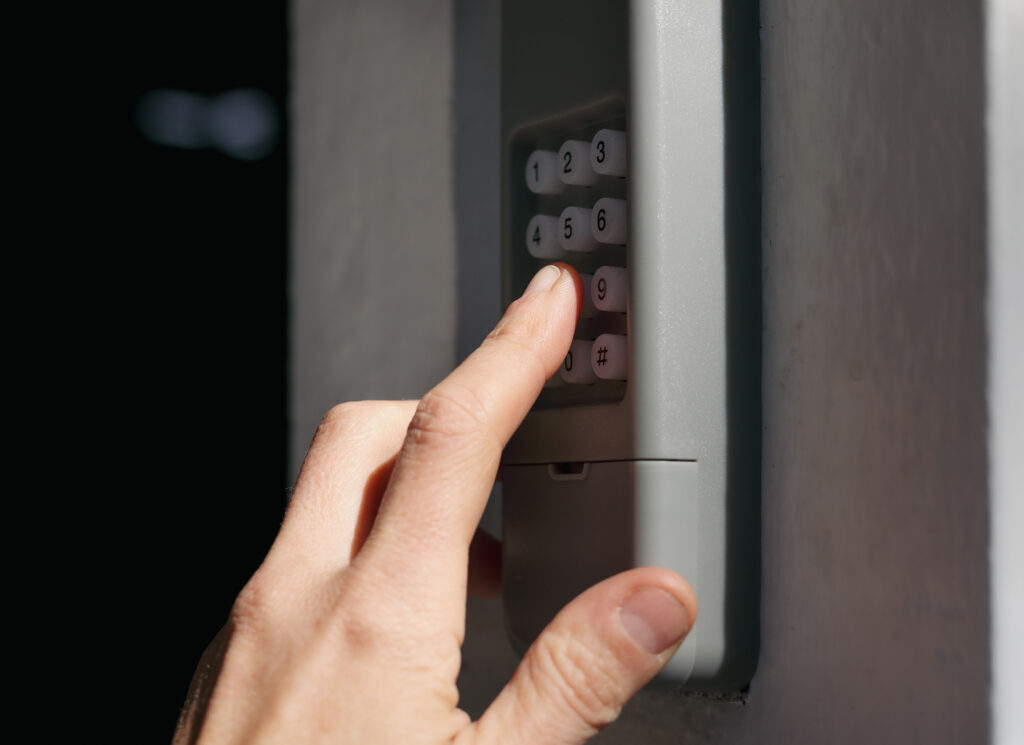
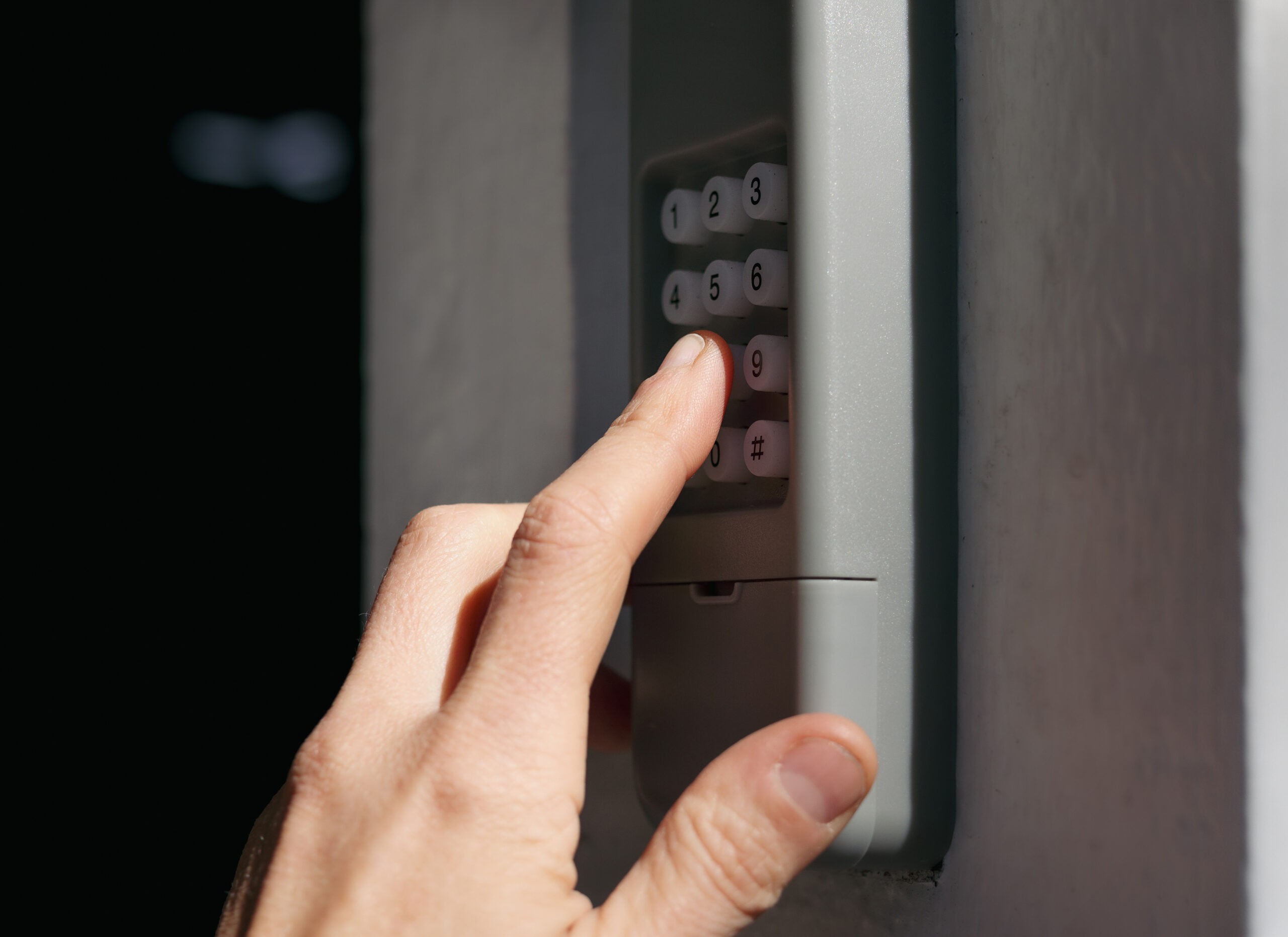
If you have ever walked up to your garage and punched in a code without thinking twice, you already understand the quiet convenience a keypad entry system provides. A garage door opener keypad is a wireless, weatherproof device mounted outside your garage that allows you to open and close the door using a numeric PIN. No remote, no key, no fumbling. It communicates with your garage door opener unit through radio frequency signals, and when the right code is entered, the opener motor responds and does its job. Simple in theory, but there is a surprising amount going on behind the scenes.
How Garage Door Keypad Reprogramming Actually Works
Here is where things get a little more interesting. Most modern garage door keypads use rolling code technology, which means the access code between your keypad and opener changes automatically after each use. That is a security feature, not a flaw. When you reprogram the keypad, you are essentially syncing a new PIN to your opener’s memory. The process typically involves locating the “Learn” button on your opener motor unit, which is usually mounted to the ceiling of your garage, pressing it, and then entering a new PIN on the keypad within a short time window — usually around 30 seconds. Once confirmed, the opener stores that code. Different manufacturers have slightly different steps, so it is worth pulling out the manual if you have it, or looking up your specific model online before you start.

When Should You Reprogram Your Garage Door Keypad?
There are a handful of situations where reprogramming becomes less of an option and more of a necessity. Knowing when to act can make a real difference in your home’s security and daily functionality.
- You recently moved into a new home and the previous owners had access to the existing PIN
- You shared your code with a contractor, house sitter, or neighbor and want to reset access
- The keypad has stopped responding or is entering the wrong commands
- You simply cannot remember the current code and are locked out
- Your keypad battery was replaced and the unit lost its memory
- You want to create a temporary code for a guest or service provider
Each of these scenarios is common, and none of them require a professional visit — at least not initially. Most homeowners can handle a basic reprogram in under five minutes.
The Clear Advantages of Knowing How to Reprogram Your Keypad
Beyond the obvious security benefits, understanding how to reprogram your garage door keypad puts you back in control of your home. You are not waiting on a technician for something that takes less time than brewing coffee. You can update access codes seasonally, create unique PINs for different household members, and deactivate old codes without touching any wiring or calling anyone. There is also a real cost savings here. Service calls for something this straightforward can run anywhere from $50 to $100 or more depending on your area. Knowing the process yourself eliminates that expense entirely. And if you are someone who rents out a portion of your home or has frequent guests, the ability to rotate PINs quickly is genuinely useful.
Common Drawbacks and Frustrations to Be Aware Of
Now, in the spirit of keeping things honest — reprogramming does not always go smoothly. One of the most common frustrations is timing. The Learn button process requires you to act quickly, and if your opener is mounted high up or in an awkward location, that 30-second window can feel very short. Older opener models may not support newer keypad units at all, which means compatibility issues can arise when you are trying to pair a replacement keypad. Battery issues are another culprit — a low battery in either the keypad or the opener can interfere with the syncing process in ways that are not immediately obvious. And if your opener is more than 10 to 15 years old, the internal memory may be limited or unreliable, making successful reprogramming inconsistent at best.
Practical Tips for a Smooth Reprogramming Experience
A few straightforward habits can make the whole process significantly less frustrating. Start by replacing the keypad battery before you begin — fresh batteries eliminate one variable entirely. Have your opener’s model number ready in case you need to reference manufacturer-specific instructions. Make sure the garage door is fully closed before attempting any reprogramming, since some units will not respond properly if the door is mid-cycle or partially open. Test the new PIN several times immediately after programming to confirm the sync worked correctly. And write down the new code somewhere safe — not on the keypad itself, obviously — so you are not back in this situation three months from now.
When Reprogramming Is Not Enough — Signs You Need a Replacement
There comes a point where reprogramming is just treating the symptom rather than the problem. If your keypad is physically cracked, water damaged, or has buttons that no longer register consistent input, a replacement is the smarter investment. The same applies if your opener unit itself is aging out — motors that are struggling, making grinding noises, or failing to complete a full open or close cycle are telling you something. Keypads are relatively inexpensive to replace, often ranging from $30 to $80 for a compatible unit. Opener units are a bigger investment, but one that comes with significant reliability and security upgrades if yours is more than a decade old.
How Garage Door Opener Systems Fit Into Your Home Warranty Coverage
This is where things connect to a broader conversation about protecting your home. Garage door opener systems — including the motor unit, drive mechanism, and sometimes the keypad — may fall under home warranty coverage depending on your plan. A home warranty is a service contract that covers the repair or replacement of major home systems and appliances when they break down due to normal wear and tear. It is not homeowners insurance, which covers damage from events like fires or storms. A home warranty fills the gap by handling the mechanical failures that happen simply because things get old and wear out. If your opener motor fails or your drive system breaks, a home warranty could mean the difference between a manageable service call fee and an unexpected $300 to $500 out-of-pocket repair bill.
Why Armadillo Is the Right Partner for Your Home Systems Coverage
When your garage door opener decides to stop cooperating — or anything else in your home follows suit — having the right coverage in place changes everything. Armadillo offers home warranty protection for garage door openers and essential home systems that gives homeowners real peace of mind without the fine print headaches that make other providers frustrating to work with. The coverage is straightforward, the service is responsive, and the plans are built around what homeowners actually need. Whether you are managing an older home with aging mechanical systems or a newer property you want to keep well-protected, Armadillo is worth a serious look. You can get a free garage door opener warranty quote tailored to your home and see exactly what coverage looks like for your situation — no pressure, just information.
Frequently Asked Questions About Reprogramming a Garage Door Opener Keypad
How do I find the Learn button on my garage door opener?
The Learn button is typically located on the back or side panel of your garage door opener motor unit, which is mounted to the ceiling near the door. It is usually a small colored button — red, yellow, orange, or purple depending on the brand — sometimes covered by a light panel you need to slide off first.
Will reprogramming my keypad erase my remote controls?
Pressing and holding the Learn button for several seconds will erase all paired remotes and keypads from the opener’s memory. However, a quick press of the Learn button — used during the standard reprogramming process — typically only adds or updates a device without clearing others. Always consult your specific opener’s manual to confirm the procedure.
How many PINs can I store on my garage door opener?
Most modern openers can store multiple access codes, often between two and ten depending on the model. Some smart opener systems allow for significantly more, along with the ability to create temporary or time-limited codes.
My keypad is not responding after reprogramming. What should I do?
Start by replacing the keypad battery and trying the process again. If it still does not respond, confirm that you are within the Learn button’s time window, which is typically 30 seconds. Also verify that you are within range of the opener unit and that no interference is affecting the signal.
Can I reprogram a keypad without the Learn button?
In most cases, the Learn button is required to sync a keypad with the opener. If your opener does not have a Learn button, it may be an older model that uses DIP switches for programming, which involves manually matching a sequence of tiny switches inside the keypad to those inside the opener.
Is my garage door opener keypad covered under a home warranty?
Coverage varies by provider and plan. Many home warranties cover the garage door opener motor and mechanical components, but keypad coverage specifically may be listed separately or excluded. Reviewing your plan’s coverage details or speaking with your warranty provider will give you a clear answer for your specific situation.
How often should I change my garage door keypad PIN?
There is no universal rule, but changing your PIN any time you have shared it with someone who no longer needs access is a reasonable practice. Annually resetting codes as a general security habit is also a straightforward precaution worth building into your home maintenance routine.
What do I do if I forget my garage door keypad code?
You will need to reset and reprogram the keypad entirely. This involves pressing the Learn button on the opener unit and entering a completely new PIN. The old code cannot be retrieved from the system.
Can I use any keypad brand with my garage door opener?
Not always. Keypads need to be compatible with your specific opener’s frequency and communication protocol. Many universal keypads work with major brands like Chamberlain, LiftMaster, Genie, and Craftsman, but it is important to verify compatibility before purchasing a replacement.
Does extreme weather affect my garage door keypad performance?
Yes, temperature extremes can impact keypad responsiveness and battery life. Very cold temperatures in particular can cause batteries to drain faster and buttons to feel less responsive. Weatherproofed keypads are designed to handle exposure, but periodic battery replacement and keeping the unit clean from debris helps maintain reliable performance year-round.