





What Is a Clicker Garage Door Opener Keypad and Why Does It Matter?
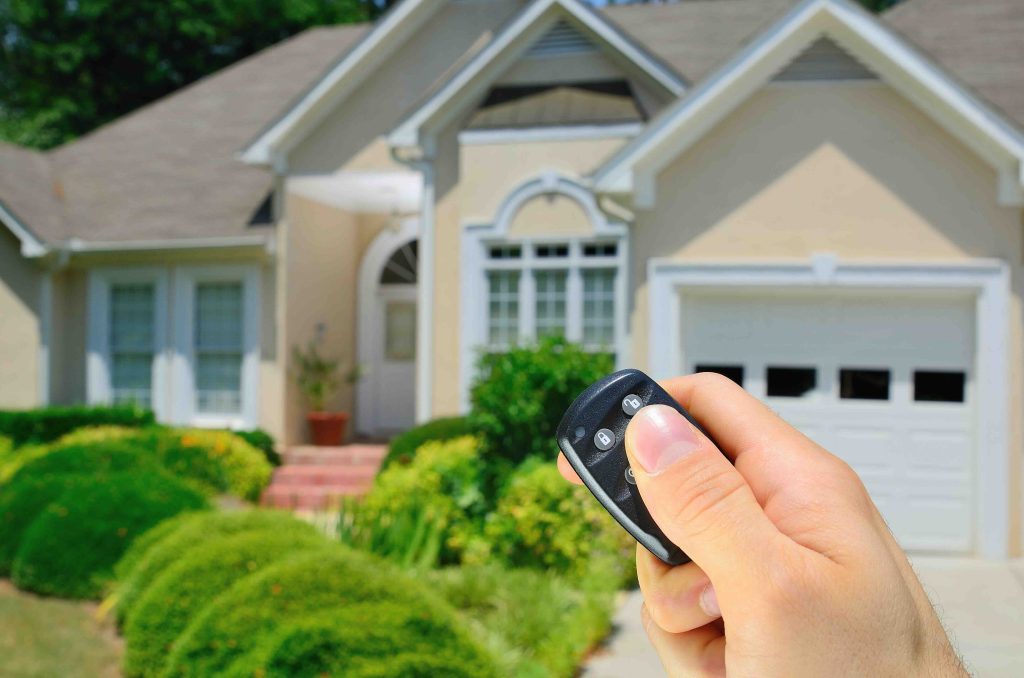
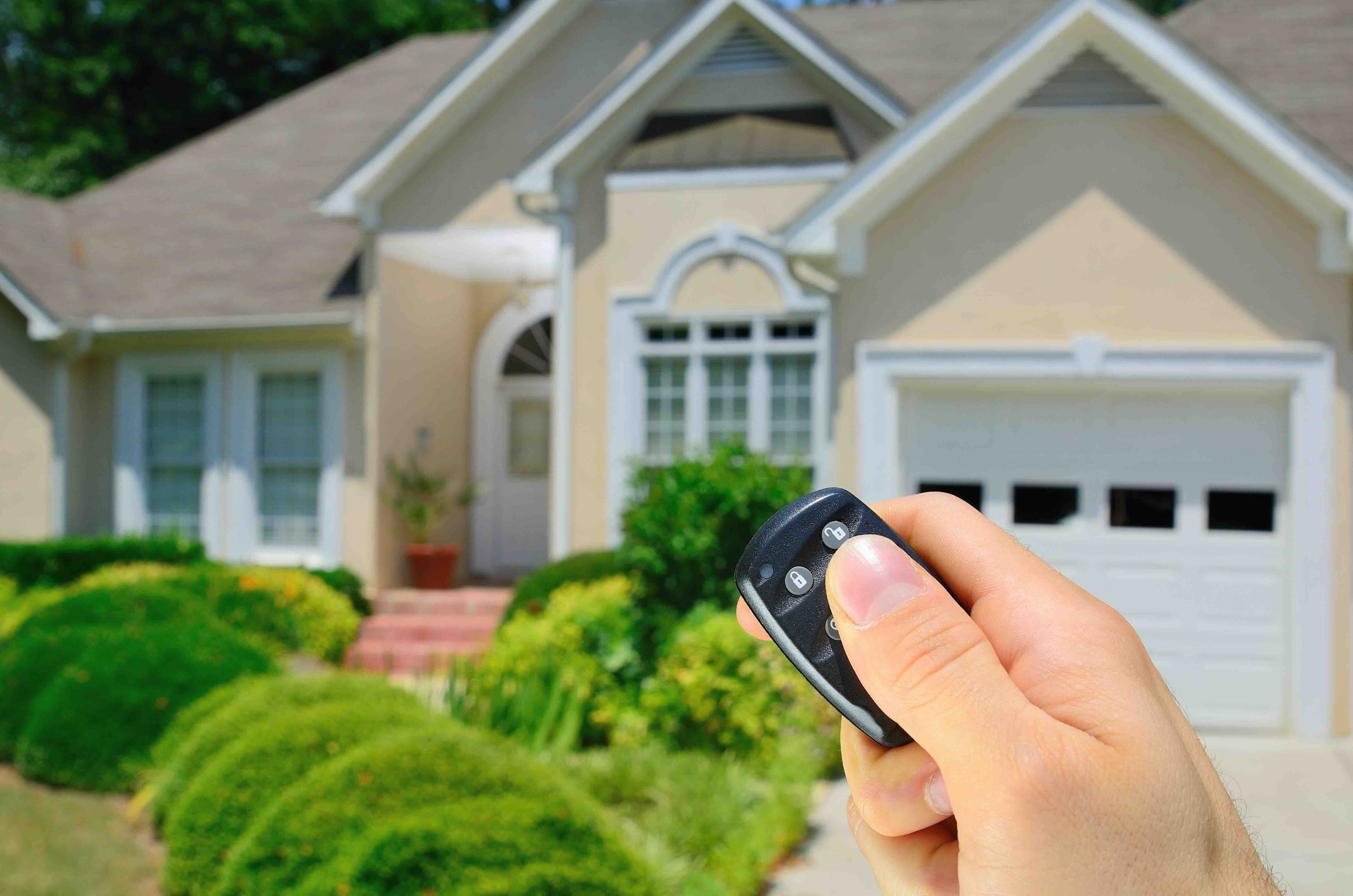
If you have ever stood in the rain fumbling for your garage door remote, you already understand the appeal of a keypad entry system. The Clicker garage door opener keypad is a wireless, battery-powered device that mounts outside your garage and lets you open or close the door by entering a personal identification number. No remote needed. No searching through your bag or your car’s center console. Just walk up, punch in your code, and you are in. It sounds simple because it is, but the technology behind it and the way it integrates with your home’s systems is worth understanding before you install one.
How the Clicker Keypad System Actually Works
The Clicker keypad communicates with your garage door opener using radio frequency signals, typically operating on a rolling code technology platform. This means every time you enter your PIN and activate the door, the system generates a new encrypted code for the next use. It does not repeat signals. That matters because it prevents what is known as code grabbing, where someone intercepts your signal and replays it to gain unauthorized access. The keypad itself is designed to be compatible with most major garage door opener brands, which is one reason it has become a popular aftermarket upgrade. Once you program the device using the learn button on your opener and a designated PIN sequence, the two components sync and begin communicating. Battery life is generally good, but the keypad will notify you with slower or unresponsive button behavior when replacement is needed.
Step-by-Step Overview of the Programming Process
Programming the Clicker keypad is a task most homeowners can handle on their own, and it takes roughly ten to fifteen minutes when you have the right information in front of you. The process starts at the opener unit itself, not at the keypad. You locate the learn button, which is typically found on the back or side panel of the motor unit mounted to your garage ceiling. Pressing that button activates a short programming window, usually around thirty seconds, during which the opener is ready to accept a new device. From there, you move to the keypad, enter your chosen PIN, and then press and hold the enter key until the garage door moves. That movement confirms the sync was successful. If the door does not respond, the process simply resets and you try again. Most issues come down to timing or battery strength, both of which are easy to address.

Key Advantages of Installing a Clicker Keypad
There are several reasons homeowners gravitate toward this upgrade, and they go beyond basic convenience. A keypad eliminates the dependency on physical remotes, which get lost, left in cars, or handed off to family members who forget to return them. It also allows you to grant access without duplicating a remote. For households with children, dog walkers, or regular service visits, the ability to share a code temporarily is practical. Here is a quick look at the standout benefits:
- Keyless access reduces the risk of lockouts caused by misplaced or forgotten remotes
- Rolling code encryption adds a meaningful layer of security to the entry point
- Compatibility with most major opener brands makes it a flexible solution
- Temporary PIN options on many models allow guest access without permanent code changes
- Simple DIY installation keeps costs low compared to professional entry systems
Common Drawbacks to Be Aware Of
No home system is without its limitations, and the Clicker keypad is no exception. Weather exposure is one of the bigger concerns. These units mount outdoors and take on rain, humidity, direct sunlight, and freezing temperatures year after year. Over time, that exposure can cause button degradation, moisture infiltration, or display issues. Battery drain also tends to accelerate in colder climates. Programming errors are more common than manufacturers would prefer to acknowledge, particularly when homeowners do not fully read the instructions or rush through the timing window. Beyond the keypad itself, if your garage door opener unit is aging, adding a new keypad may not resolve underlying mechanical issues with the door’s operation. That is something worth keeping in mind when troubleshooting problems.
Maintaining Your Keypad for Long-Term Reliability
Once your Clicker keypad is installed and programmed, maintaining it is straightforward but often overlooked. Change the batteries at least once per year, even if the unit still appears to function normally. Clean the keypad surface periodically to prevent dirt and debris from interfering with button responsiveness. If the keypad is mounted in a location with intense sun exposure, consider a cover or shade structure to extend the housing’s lifespan. If you ever need to reset or reprogram the device due to a security concern, the same programming steps apply. Just clear the stored code from the opener’s memory using the learn button and start the pairing process fresh. It is also smart to periodically test the PIN entry to confirm the sync remains stable.
Security Considerations Every Homeowner Should Know
The garage is one of the most common entry points for unauthorized access to a home. A keypad adds a layer of security, but only if it is used correctly. Avoid using predictable PIN combinations like birth years, sequential numbers, or repeated digits. Change your PIN periodically, particularly after contractors, house sitters, or guests have used it. Be mindful of shoulder surfing, which is when someone nearby observes your code entry. Some Clicker models offer a privacy shield or a feature that requires a randomized number press before the true PIN, which eliminates visual guessing. If you ever suspect your PIN has been compromised, clearing it from the opener’s memory and reprogramming a new one takes less than five minutes.
When to Replace vs. Repair Your Keypad
Most Clicker keypads last between five and ten years depending on environmental exposure and usage frequency. Signs that replacement is overdue include buttons that require excessive force, a housing that has cracked or become discolored, and persistent programming failures that do not resolve after battery changes. If your opener unit itself is more than fifteen years old, it may be time to evaluate the entire system rather than continuing to patch components. Replacement keypads are relatively affordable, and installation requires no specialized tools. However, if the problems are originating from the opener motor, the door springs, or the track system, a new keypad will not fix those issues. Knowing the difference between a keypad problem and an opener system problem saves time and money.
How Garage Door System Issues Connect to Your Home Warranty
Here is where things get interesting for homeowners who have, or are considering, a home warranty plan. Garage door openers are frequently included as covered systems under home warranty agreements, which means mechanical failures in the motor, drive system, or electrical components may be eligible for repair or replacement coverage. A home warranty does not cover the keypad as a standalone accessory in most cases, but if the opener unit fails and renders the keypad useless, the warranty may address the root cause. Understanding what your plan covers before something breaks is the kind of proactive thinking that prevents expensive surprises. The Clicker keypad might be a small piece of a larger system, but that larger system is worth protecting.
Why Armadillo Is the Right Home Warranty Partner for Garage Door and Beyond
Your garage door opener is just one of dozens of systems and appliances in your home that can fail without warning. Armadillo exists to make sure those unexpected breakdowns do not turn into financial emergencies. As a homeowner who has just invested time in understanding and improving how your garage entry system works, it makes sense to pair that effort with a warranty plan that protects the mechanical systems behind it. Armadillo offers straightforward, honest coverage with no confusing fine print or unnecessary hoops to jump through. If you are exploring your options, home warranty coverage for garage door openers and major home systems is exactly what Armadillo was built to deliver. And if you are ready to see what a plan looks like for your specific home, you can get a personalized home warranty quote that covers your garage door opener and other critical systems in just a few minutes. Protecting your home does not have to be complicated, and with Armadillo, it is not.
Frequently Asked Questions About Clicker Garage Door Opener Keypads
Below are answers to the most common questions homeowners ask about installing, programming, and maintaining the Clicker keypad system.
Is the Clicker keypad compatible with all garage door openers?
The Clicker keypad is compatible with most major garage door opener brands, including Chamberlain, LiftMaster, Craftsman, and others that use standard radio frequency technology. You should confirm compatibility with your specific opener model before purchasing.
How do I reset my Clicker keypad if I forget my PIN?
To reset your PIN, press and hold the learn button on your garage door opener motor unit until the indicator light turns off. This clears all stored codes. You can then reprogram a new PIN from scratch using the standard pairing process.
How long do the batteries in a Clicker keypad last?
Under normal usage, a standard nine-volt or AA battery in a Clicker keypad lasts approximately one to two years. Colder climates can reduce battery life, so annual replacement is a reliable maintenance habit regardless of performance.
Can I program multiple PIN codes on one Clicker keypad?
Some Clicker keypad models support multiple PIN entries, allowing different household members to use their own codes. Check the specific model documentation to confirm whether multiple PINs are supported and how many the device can store.
What should I do if my Clicker keypad stops working suddenly?
Start by replacing the battery, which resolves the majority of sudden failures. If the issue persists, attempt to reprogram the keypad using the learn button method. If neither step works, inspect the keypad housing for moisture damage or physical wear that may require replacement.
Is a keypad more secure than a traditional garage door remote?
Rolling code technology used in modern Clicker keypads is comparably secure to current remote systems. The keypad adds convenience and eliminates the risk of a stolen or copied remote, provided you choose a non-obvious PIN and update it periodically.
Does extreme weather affect keypad performance?
Yes. Prolonged exposure to heat, freezing temperatures, rain, and humidity can degrade the keypad housing, buttons, and internal components over time. Mounting the keypad in a shaded or sheltered location can help extend its useful lifespan.
Will a home warranty cover my Clicker keypad if it breaks?
Most home warranty plans cover the garage door opener motor and its primary mechanical components rather than external accessories like the keypad. However, if a covered opener system failure renders the keypad nonfunctional, the warranty may address the underlying cause.
How many times can I reprogram the Clicker keypad?
There is no practical limit to how many times you can reprogram a Clicker keypad. Each programming session simply overwrites the previous code stored in the opener’s memory, so you can update your PIN as frequently as needed without any negative effect on performance.
Can I use the Clicker keypad for a garage door opener that is more than ten years old?
In many cases, yes. As long as the older opener uses a compatible frequency and has a functioning learn button, the Clicker keypad can be paired with it. However, very old openers using fixed-code systems may not be compatible, and it may be worth upgrading the full opener unit for better security and reliability.