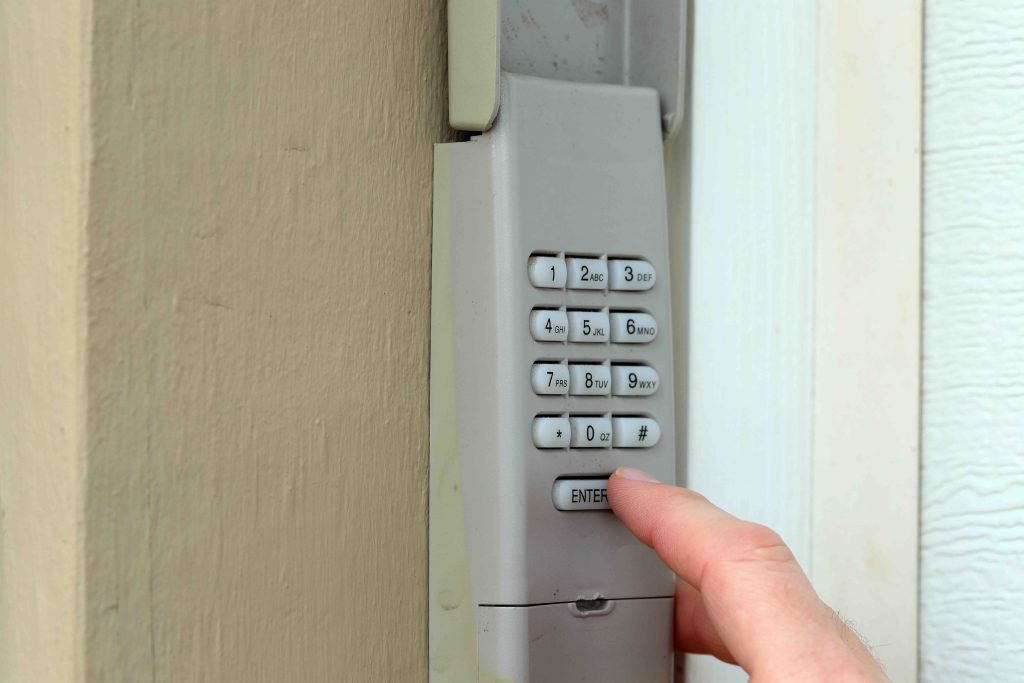
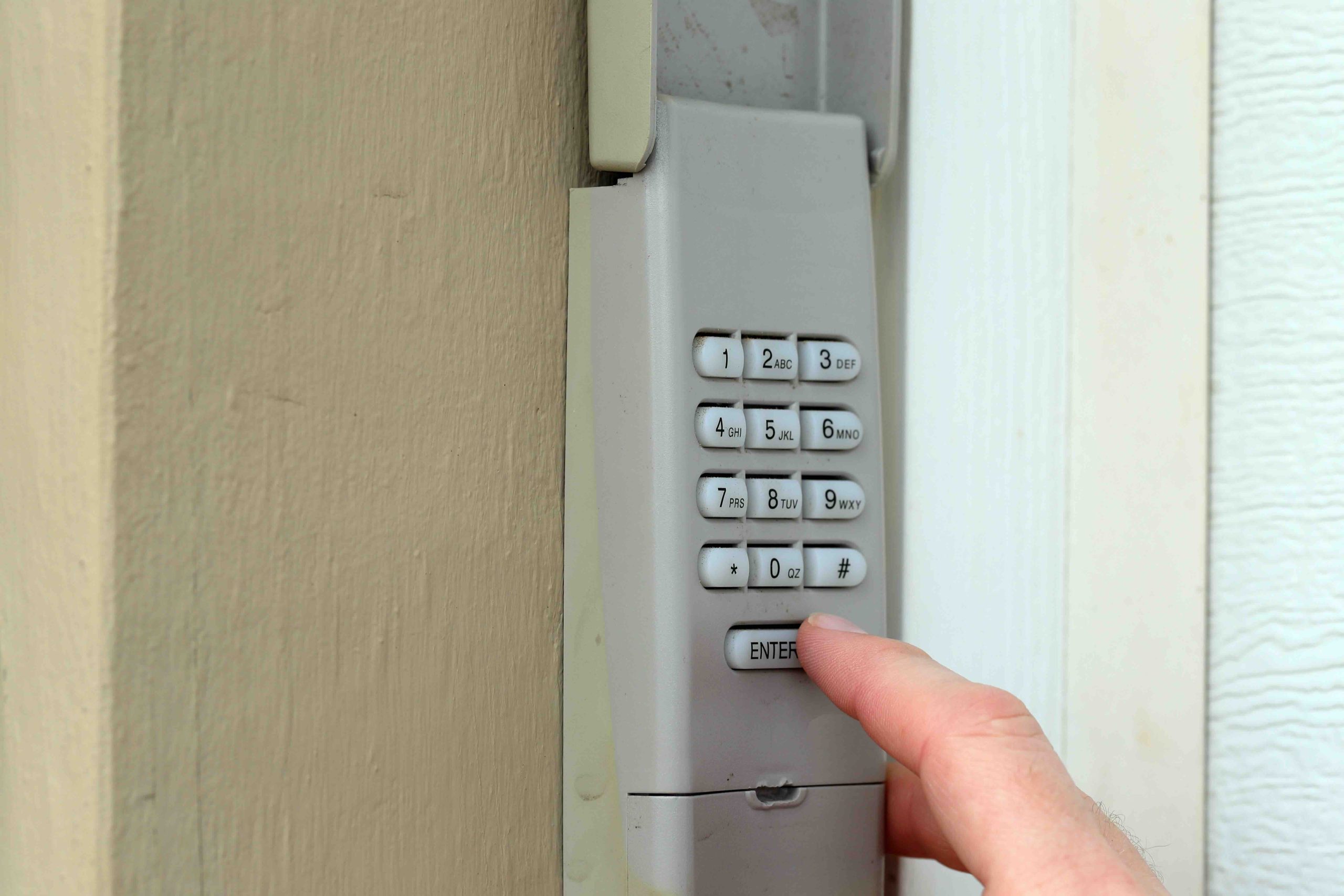
Why Your LiftMaster Keypad Blinks After Entering a Code
You walk up to your garage, punch in your code, and instead of the door rolling open, the keypad just blinks at you. Frustrating, right? That blinking light is not random. It is actually your LiftMaster keypad trying to communicate something specific, and once you understand what it is saying, the fix is usually pretty straightforward. This article breaks down exactly why a LiftMaster keypad blinks after entering a code, what the different blink patterns mean, how to troubleshoot the issue yourself, and when it might be time to call in some help.
What the Blinking Actually Means
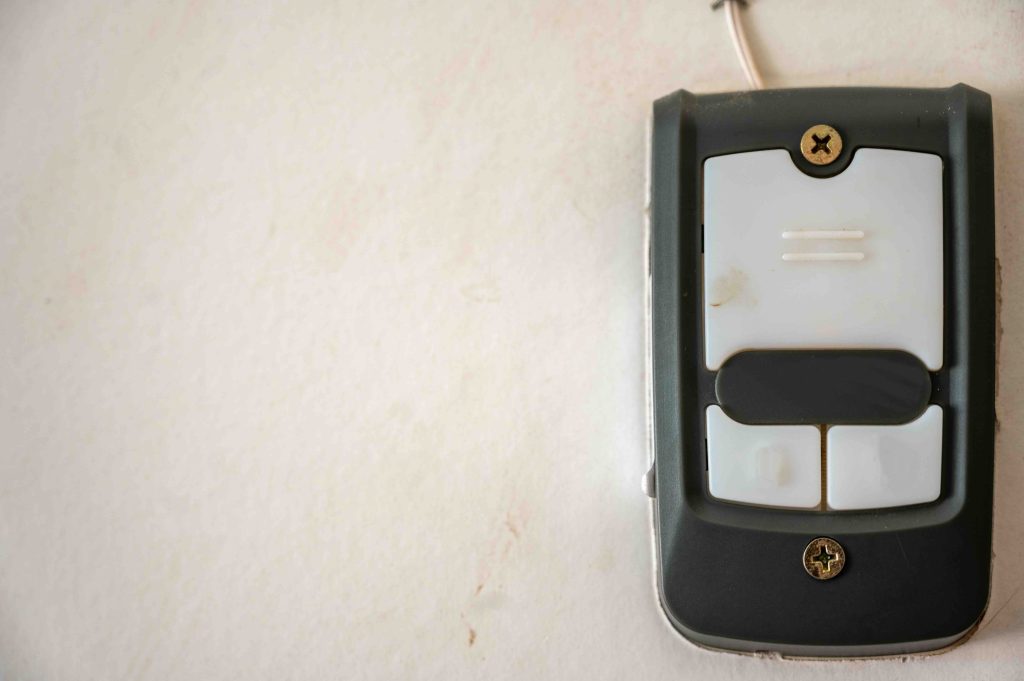
LiftMaster keypads use LED indicator lights to give you feedback on what is happening. When you enter your code and the keypad blinks instead of triggering the door opener, it is typically signaling one of a few things: the code was entered incorrectly, the keypad has lost communication with the garage door opener, the programming has been reset, or there is a security lockout in place. The number of blinks and the pattern can vary depending on your specific LiftMaster model, so it is worth noting exactly how the light behaves. A rapid blinking pattern usually points to a lockout, while slower or intermittent blinks often indicate a communication or programming issue between the keypad and the motor unit.
The Security Lockout Feature Explained
LiftMaster builds a security lockout feature into their keypads specifically to protect your home from unauthorized access attempts. If someone enters the wrong code multiple times in a row, typically three to five failed attempts, the keypad will automatically lock itself out and begin blinking to indicate that it has been temporarily disabled. This lockout usually lasts around thirty seconds to a minute before you can try again. It is a genuinely useful security feature, but it can catch homeowners off guard if they forget their code or if a family member has been guessing at it. The fix here is simple: wait for the lockout period to pass, then carefully enter the correct code.
Programming Loss and Keypad Sync Issues
Another common reason a LiftMaster keypad blinks after entering a code is that the keypad has lost its programming. This can happen after a power outage, a battery replacement, or sometimes just over time as signal interference degrades the connection. When the keypad is no longer synced to the garage door opener, it has no idea what to do with the code you entered, so it blinks as if to say it does not recognize the instruction. Reprogramming the keypad to the opener is usually the solution here. The process involves holding the Learn button on your garage door motor unit while entering your desired code on the keypad, though the exact steps can differ slightly by model. Checking your LiftMaster manual or the manufacturer’s support resources will walk you through the precise sequence.
Battery Problems Are More Common Than You Think
A weak or dying battery in your LiftMaster keypad is one of the most overlooked culprits behind blinking issues. When the battery does not have enough power to properly transmit the signal to the opener, the keypad may accept the code entry but fail to send a strong enough command. The result is a blink and nothing else. Replacing the battery with a fresh one, typically a 9-volt alkaline battery, is a quick and inexpensive fix that resolves the problem more often than people expect. If you cannot remember the last time you replaced the keypad battery, that is a good sign it is overdue.
Wiring and Environmental Factors That Interfere
LiftMaster keypads are generally designed for outdoor use, but they are not immune to environmental wear. Moisture intrusion, extreme temperature fluctuations, and physical damage to the keypad housing can all interfere with performance. If the keypad has been exposed to heavy rain or freezing temperatures recently, the internal components may be temporarily or permanently affected. Similarly, physical damage to the wires connecting a wired keypad to the opener can cause signal disruption that manifests as blinking without action. Inspecting the keypad housing for visible damage, moisture buildup, or corroded contacts is a worthwhile step in diagnosing the issue.
Step-by-Step Troubleshooting for a Blinking LiftMaster Keypad
Working through this methodically will save you time and unnecessary repair calls. Here is a practical sequence to follow when your LiftMaster keypad blinks after entering a code:
- Wait out the lockout period if you or someone else entered the wrong code multiple times, then try again with the correct code entered slowly and deliberately.
- Replace the battery with a fresh 9-volt battery and test the keypad immediately after.
- Reprogram the keypad to your opener by following the Learn button sequence on your garage door motor unit.
- Inspect the keypad housing and any visible wiring for moisture damage, corrosion, or physical wear.
- Check whether the garage door opener itself is functioning by using the wall button or remote to rule out an opener-level issue.
- Reset the keypad entirely if all else fails, clearing its memory and starting the programming process fresh.
When to Stop Troubleshooting and Call a Professional
There is a point where DIY troubleshooting has gone as far as it reasonably can. If you have replaced the battery, reprogrammed the keypad, ruled out a lockout, and inspected for physical damage and the LiftMaster keypad is still blinking after entering a code, the problem may be internal to the keypad itself or within the garage door opener’s logic board. At that stage, replacing the keypad unit is often the most cost-effective path, since keypads are relatively affordable components. However, if the opener itself seems to be the source of the problem, a qualified garage door technician should take a look. Garage door systems involve heavy mechanical components and high-tension springs, and that is not territory where guesswork is advisable.
Preventing Future Keypad Issues Through Routine Maintenance
Keeping your LiftMaster keypad working reliably is not complicated, but it does require a bit of routine attention. Annual battery replacement is a simple habit that prevents a large percentage of keypad failures. Wiping down the keypad surface to clear debris from the buttons keeps the contacts clean and responsive. If you live in a region with harsh winters or heavy rainfall, consider a weatherproof keypad cover to extend the unit’s lifespan. Periodically testing the keypad to confirm it is still properly synced with the opener catches programming drift early, before it becomes an inconvenience at the worst possible moment. Small maintenance habits like these add up to years of reliable performance from a system you depend on every single day.
How Home Warranty Coverage Connects to Your Garage Door System
Your garage door opener is one of the hardest-working mechanical systems in your home, and when it fails, it rarely happens at a convenient time. A home warranty plan that covers built-in systems and appliances can be a meaningful safety net for homeowners who want to avoid surprise repair bills. When a garage door opener malfunctions due to normal wear and tear, a qualifying home warranty plan may cover the cost of diagnosis and repair, which takes the financial sting out of an unexpected breakdown. If you are already spending time troubleshooting your LiftMaster keypad, it is worth pausing to think about whether your broader garage system and the other mechanical systems throughout your home have coverage in place. Proactive planning now protects your budget later.
When it comes to protecting the home systems you rely on every day, Armadillo home warranty plans for garage door openers and home systems are designed to take the financial uncertainty out of unexpected repairs. If a LiftMaster garage door opener failure goes beyond a simple keypad fix and becomes a full system repair or replacement, having a plan in your corner makes a real difference. You can get a free home warranty quote for garage door and home system coverage in just a few minutes and see exactly what protection is available for your home. Armadillo keeps things straightforward, with honest coverage and no runaround when something breaks.

Frequently Asked Questions About LiftMaster Keypad Blinking After Entering a Code
These are the questions homeowners ask most often when their LiftMaster keypad blinks without opening the garage door.
Why does my LiftMaster keypad blink but not open the door?
The most common reasons are a security lockout from too many wrong code attempts, a dead or weak battery, a lost programming sync between the keypad and the opener, or physical damage to the keypad itself.
How do I reset a locked-out LiftMaster keypad?
Wait approximately thirty seconds to one minute after the lockout is triggered, then attempt to enter the correct code again slowly and carefully. The lockout resets automatically after the brief waiting period.
How do I reprogram my LiftMaster wireless keypad?
Press and release the Learn button on your garage door opener motor unit, then within thirty seconds enter your desired PIN on the keypad and press Enter. The opener light will flash to confirm successful programming.
What type of battery does a LiftMaster keypad use?
Most LiftMaster wireless keypads use a standard 9-volt alkaline battery. Refer to your specific model’s documentation to confirm, as some newer models may use a different battery type.
How often should I replace my LiftMaster keypad battery?
Replacing the battery once a year is a reliable general guideline. If you notice sluggish response or blinking issues before that point, replace the battery sooner rather than troubleshooting other causes first.
Can a power outage cause my LiftMaster keypad to stop working?
Yes. A power outage can sometimes reset or corrupt the programming stored in your garage door opener, which causes the keypad to lose its sync. Reprogramming the keypad after a significant power event typically resolves the issue.
Is my LiftMaster keypad waterproof?
LiftMaster keypads are designed to be weather-resistant for outdoor use, but they are not fully waterproof. Prolonged exposure to heavy moisture or submersion can damage the internal components over time.
What does a rapidly blinking LiftMaster keypad light mean?
Rapid blinking typically indicates that the keypad is in a security lockout state due to multiple incorrect code entries. Wait for the lockout period to expire before attempting to enter the code again.
Should I replace the keypad or the garage door opener if the keypad keeps blinking?
Start by replacing the keypad, since it is the less expensive component. If a new keypad exhibits the same blinking behavior after proper programming, the issue may be with the garage door opener itself, which warrants professional evaluation.
Does a home warranty cover LiftMaster keypad or garage door opener repairs?
It depends on the specific home warranty plan and provider. Many plans do cover garage door opener systems when failures result from normal wear and tear. Reviewing your plan details or speaking with your warranty provider will clarify what is included.