





Thermostat Hold vs Run: What Every Homeowner Needs to Know
If you have ever stood in front of your thermostat wondering what the difference is between “Hold” and “Run,” you are not alone. It is one of those small settings that gets overlooked constantly, yet it has a real impact on your energy bill, your comfort, and the long-term health of your HVAC system. Understanding how these two modes work is not complicated, but it does require a quick breakdown of what each one actually does and when to use it. So let us get into it.
What Does “Run” Mode Actually Mean on a Thermostat
When your thermostat is set to “Run,” it is following your pre-programmed schedule. Most programmable and smart thermostats allow you to set different temperatures for different times of day. You might program the house to be cooler at night, warmer in the morning, and energy-efficient during the hours you are at work. “Run” mode is essentially your thermostat doing its job on autopilot. It cycles through your schedule automatically, adjusting temperatures based on the times and days you configured. This is the default mode for most households and, in general, it is the more energy-efficient option when your schedule is consistent.
What Does “Hold” Mode Do and When Should You Use It
Hold mode overrides your programmed schedule and locks the thermostat at a specific temperature until you manually change it or set an end time. There are typically two types of hold settings you will encounter: a temporary hold and a permanent hold. A temporary hold keeps your chosen temperature until the next scheduled programming event kicks in. A permanent hold, sometimes called an indefinite hold, keeps that temperature until you manually cancel it. This is useful when your routine changes, like during a vacation, a holiday gathering, or when you are working from home unexpectedly and need consistent comfort without fighting the schedule all day.
The Real Difference Between Hold and Run: A Side-by-Side Look
The core distinction comes down to control versus convenience. Run mode offers automated efficiency, but Hold mode gives you immediate manual authority over your home’s climate. Here is a quick breakdown of how they compare in practical terms:
- Run mode follows your programmed schedule and adjusts automatically throughout the day
- Hold mode freezes the temperature at your chosen setting until you decide to change it
- Run mode is best for households with consistent daily routines
- Hold mode is ideal for irregular days, vacations, guests, or unexpected schedule changes
- Overusing Hold mode can increase energy consumption if not managed carefully
- Smart thermostats often allow you to set a Hold end time so you do not forget to return to your schedule

How Thermostat Hold Mode Affects Your Energy Bill
This is where a lot of homeowners get tripped up. Hold mode is not inherently wasteful, but it can become a problem if you set it and forget it. Leaving your home on a permanent hold at 72 degrees while you travel for a week, for example, means your HVAC system is working hard to maintain that temperature even when no one is home to benefit from it. A better practice would be to set a vacation hold at a less demanding temperature, around 78 to 80 degrees in summer or 60 to 62 degrees in winter. That keeps your home within a reasonable range without burning through energy unnecessarily. Run mode, by contrast, is designed for efficiency because it was built to scale back when you do not need full comfort.
Smart Thermostats and How They Change the Hold vs Run Conversation
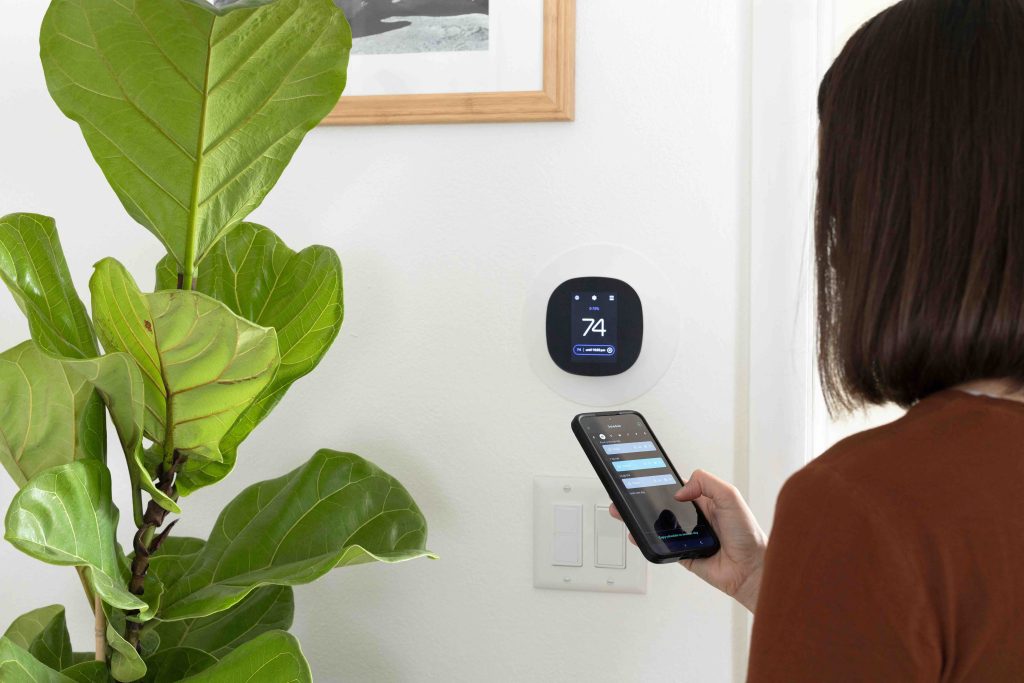
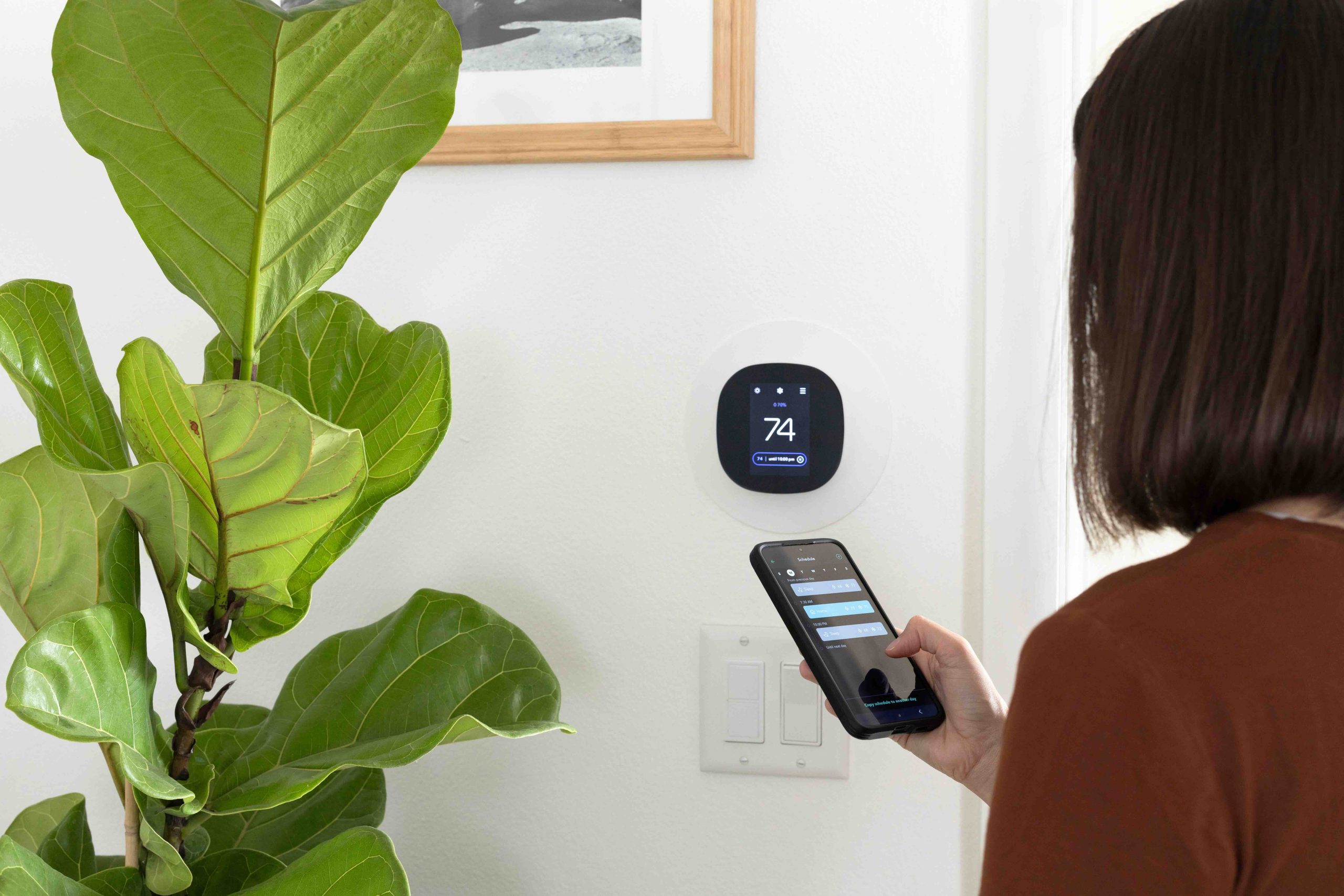
Modern smart thermostats have made this whole discussion more nuanced. Devices from brands like Ecobee, Nest, and Honeywell have intelligent features that blur the line between Hold and Run. Some can detect when you have left the house and automatically shift into an energy-saving mode. Others allow you to set holds with precise end times, so you never accidentally leave a manual override running for days. If you are using a basic programmable thermostat, the Hold and Run distinction matters a great deal more because there is no machine learning filling in the gaps. With a smart thermostat, the system can often self-correct, but understanding the underlying settings still helps you get the most out of the device.
Common Mistakes Homeowners Make With Thermostat Settings
There are a few patterns that come up repeatedly when it comes to thermostat misuse. Some homeowners set a permanent hold and then forget to cancel it, running up energy costs for weeks. Others use Hold mode to correct a schedule they never properly programmed in the first place, which is a bit like putting a bandage on a problem that could be fixed with a five-minute setup. Another common mistake is toggling between Hold and Run so frequently that the HVAC system never settles into an efficient rhythm. Short-cycling, where the system turns on and off too rapidly, can wear down mechanical components over time and lead to premature breakdowns.
What This Means for Your HVAC System’s Long-Term Health
Your thermostat is essentially the brain of your HVAC system. The way you use it directly affects how hard your furnace, air conditioner, or heat pump has to work. Consistent use of Run mode with a well-designed schedule tends to reduce mechanical strain because the system operates in predictable cycles. Hold mode, used correctly, can also reduce strain during periods when less heating or cooling is needed. The issue arises when the system is constantly fighting to hit extreme temperatures because of poorly configured settings. Over time, unnecessary HVAC stress contributes to compressor wear, heat exchanger fatigue, and blower motor issues, all of which translate into repair bills that nobody wants.
Practical Tips for Using Hold and Run Settings the Right Way
Getting the most out of your thermostat is not about choosing one mode and sticking with it forever. It is about understanding what each mode is for and applying it appropriately to your lifestyle. A few straightforward habits can make a real difference:
- Always set an end time for temporary holds so your schedule resumes automatically
- Use a vacation hold with moderate setback temperatures rather than turning the system off entirely
- Review and update your Run schedule seasonally to match changing daylight hours and routines
- Avoid extreme temperature swings, which force the HVAC system to work harder than necessary
- If you have a smart thermostat, explore its energy reports to see how your settings are affecting consumption
Why Home Warranty Coverage Matters When Your HVAC System Acts Up
Even the most thoughtful thermostat habits cannot prevent every HVAC issue. Components break down. Capacitors fail. Motors wear out. And when that happens, the repair bills can be significant. That is exactly where a home warranty plan that covers HVAC systems and thermostat-related failures becomes a genuinely smart investment. Armadillo offers straightforward home warranty coverage designed for real homeowners who do not want to be caught off guard by unexpected repair costs. Whether it is a thermostat malfunction causing your system to run erratically or a deeper HVAC issue triggered by improper use, having a plan in place means you are not facing a four-figure repair bill alone. If you have been on the fence about adding that layer of financial protection, now is a great time to get a free HVAC home warranty quote and see what coverage looks like for your home. It takes minutes and the peace of mind is worth it.

Frequently Asked Questions About Thermostat Hold vs Run
Here are answers to the questions homeowners ask most often about thermostat Hold and Run settings.
What is the difference between Hold and Run on a thermostat?
Run mode follows your pre-programmed temperature schedule automatically, while Hold mode overrides that schedule and keeps the thermostat at a fixed temperature until you change it manually or set an end time.
Does using Hold mode waste energy?
It can, depending on how it is used. Leaving a permanent hold at a comfortable temperature while you are away from home for extended periods can increase energy use significantly compared to a properly programmed Run schedule.
How long does a thermostat hold last?
That depends on your thermostat model and how you set it. A temporary hold typically lasts until the next scheduled programming event. A permanent hold stays in effect until you manually cancel it.
Is it better to use Hold or Run during a vacation?
For vacations, a Hold mode set to a moderate setback temperature, around 78 to 80 degrees in summer or 60 to 62 degrees in winter, is more energy-efficient than leaving your regular schedule running or turning the system completely off.
Can using Hold mode damage my HVAC system?
Not directly, but extreme Hold settings that force your HVAC to work harder than necessary can contribute to accelerated wear on components like the compressor and blower motor over time.
Why does my thermostat keep switching back from Hold to Run?
This typically happens when you have set a temporary hold rather than a permanent hold. The system returns to the programmed schedule when the temporary hold period expires, which is actually the intended behavior.
Do smart thermostats handle Hold and Run differently?
Yes. Smart thermostats often automate much of this process using occupancy detection, learning algorithms, and remote control features. However, understanding the basic Hold and Run functions still helps you configure the device correctly.
What temperature should I set for a thermostat hold when I am away?
Energy experts generally recommend a setback of 7 to 10 degrees from your normal comfort setting. In summer, that might mean holding at 78 to 80 degrees, and in winter, holding at 60 to 62 degrees.
Does a home warranty cover thermostat repairs or replacements?
Many home warranty plans include thermostat coverage as part of their HVAC system protection. Coverage details vary by provider, so it is important to review what is included in your specific plan before a problem arises.
How do I get my thermostat back to Run mode after using Hold?
On most thermostats, you simply press the Run, Schedule, or Cancel Hold button depending on your model. The device will then return to its programmed schedule. Consulting your thermostat’s manual will give you the exact steps for your specific unit.