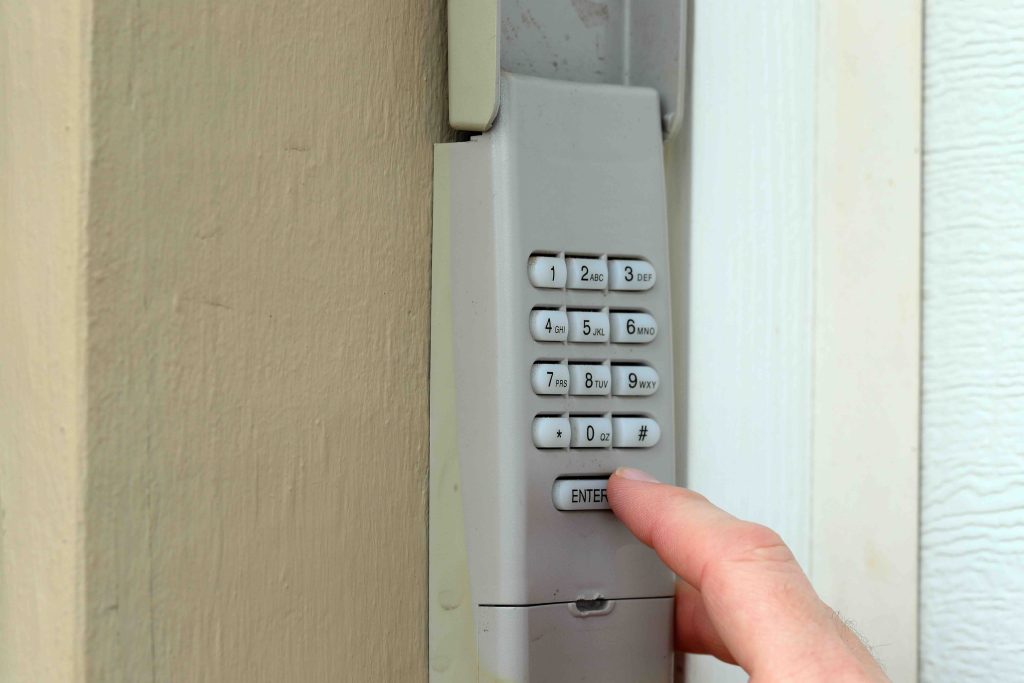
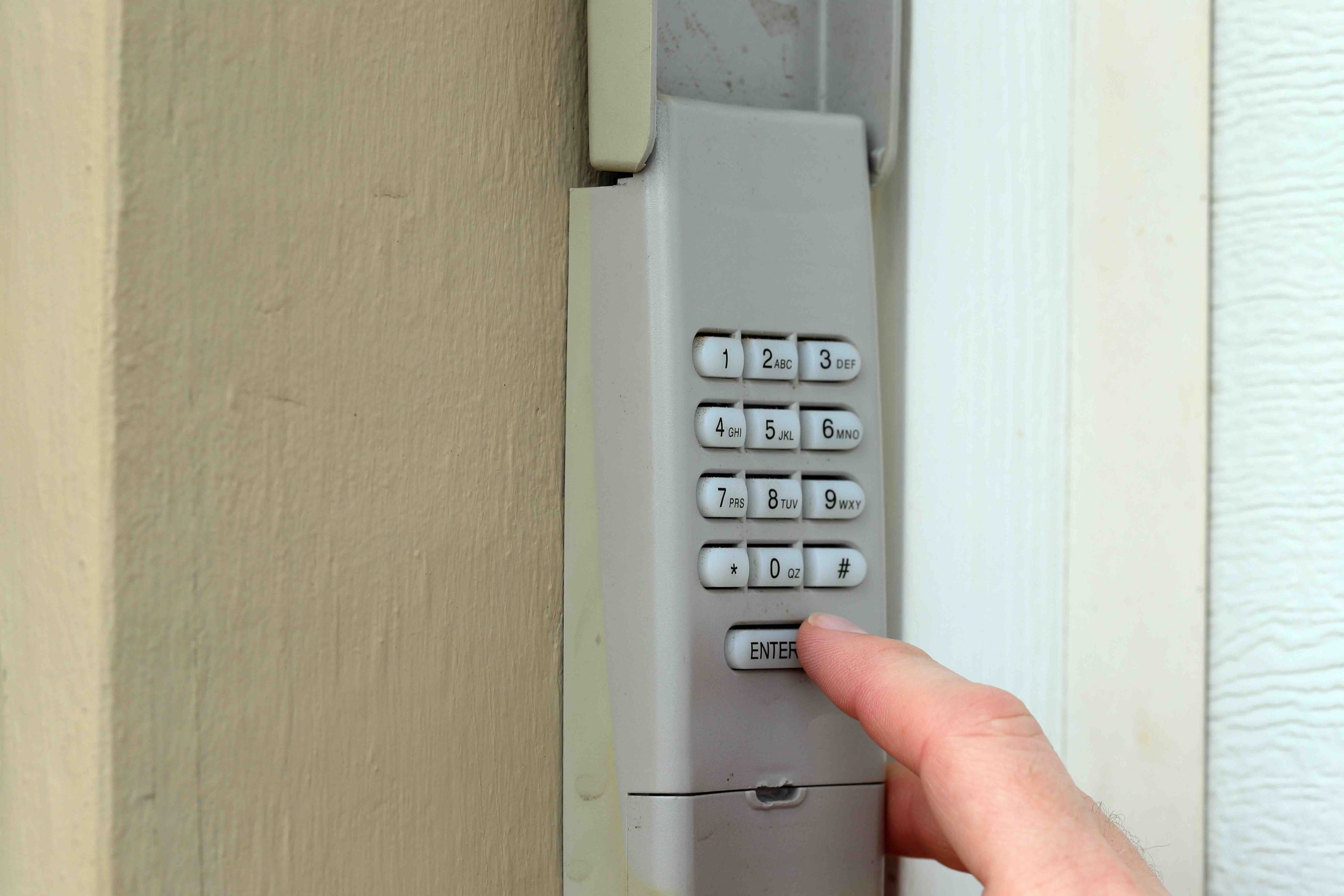
Why Your Overhead Door Keypad PIN Matters More Than You Think
There is something oddly easy to overlook about the keypad mounted next to your garage door. It sits outside, rain or shine, and most homeowners punch in the same four digits they set up years ago without ever thinking twice about it. But that little device is one of the primary entry points to your home, and the PIN protecting it deserves real attention. Changing your overhead door keypad PIN is not a complicated task, yet it is one of those small maintenance habits that can meaningfully improve your home’s security profile. This article walks you through everything you need to know, from how the keypad system works to when and why you should update your code, and what happens when things go sideways.
How an Overhead Door Keypad System Actually Works
Overhead door keypads are wireless devices that communicate with your garage door opener unit, which is typically mounted on the ceiling of your garage. When you enter the correct PIN and press the enter or send button, the keypad transmits a signal, usually through radio frequency, to the opener’s receiver. The opener then activates the motor, which either raises or lowers the door. Most modern keypads use rolling code technology, which means the transmitted code changes slightly with each use to prevent signal interception. The PIN itself is stored in the keypad’s memory and must match what is programmed into the opener unit. Changing the PIN typically involves accessing a learn or program button on the opener unit and then entering a new code sequence on the keypad. It is a process that usually takes under five minutes once you know the steps for your specific brand.
Step-by-Step: How to Change Your Overhead Door Keypad PIN
The process varies slightly by manufacturer, but the general approach is consistent across most major brands. Before you begin, you will need access to your garage door opener unit, ideally a ladder if it is ceiling-mounted, and your current PIN if the system requires it for verification. Here is what the process typically looks like:
- Locate the learn or program button on your garage door opener unit, usually found on the back or side panel near the antenna wire.
- Press and release the learn button. You will typically have about 30 seconds to complete the next step before it times out.
- Go to the keypad and enter your new desired PIN, then press and hold the enter button until the opener’s indicator light blinks, confirming the new code has been accepted.
- Test the new PIN immediately to confirm the door responds correctly before closing everything up.
If your system does not respond, check the manual for your specific model. Some brands, like Chamberlain or LiftMaster, have slightly different sequences, and a quick search using your model number will get you there faster than trial and error.
Key Advantages of Regularly Updating Your Keypad PIN
Updating your garage door keypad PIN on a regular basis is a straightforward security practice with real benefits. If you have recently moved into a new home, changed housekeepers, or ended a relationship with someone who previously had access, a PIN reset is a simple way to restore control over who can enter your property. Beyond obvious security concerns, there are also practical reasons to update. Over time, keypads with worn buttons can visually reveal which digits are used most frequently, making it easier for someone paying attention to guess your code. Rotating your PIN every six to twelve months reduces that risk considerably. It is also worth noting that a fresh PIN is one of those small steps that contributes to the overall security hygiene of your home, similar to updating passwords on digital accounts.
Common Drawbacks and Frustrations to Be Aware Of
Changing a keypad PIN is rarely complicated, but it does come with a few common friction points worth knowing about. The most frequent issue is simply forgetting the new PIN before it has become habit, which can leave family members locked out. Writing the new code somewhere secure during the transition period is a reasonable workaround. Another common problem is a keypad that fails to accept the new programming, which often points to a low battery, a misaligned antenna on the opener unit, or a learn button that was not pressed correctly. If the keypad stops working entirely after a PIN change attempt, a full reset is sometimes necessary, which means re-pairing the device from scratch. Older keypads may also have limited memory and can conflict with multiple codes if too many remotes or devices have been programmed over the years.
When You Should Change Your Keypad PIN Right Away
There are certain situations where changing your PIN should be treated as urgent rather than optional. Moving into a previously owned home tops the list. You genuinely have no way of knowing how many people had access to that code, and there is no reason to leave that door open, so to speak. Other situations that warrant an immediate PIN change include a recent break-in or attempted entry, the loss of a keypad remote, a service visit from a contractor who observed the code being entered, or anytime someone with previous access to the code is no longer in your circle of trust. Treating your garage keypad with the same level of care you would give a door lock is a mindset shift that pays off quietly over time.
What Happens When Your Garage Door System Needs More Than a PIN Change
A PIN change is a maintenance task, but garage door systems are mechanical and electrical assemblies with components that eventually wear out. The opener motor, the drive belt or chain, the safety sensors, the wall control panel, and the keypad itself all have finite lifespans. When something breaks, the cost of repair or replacement can catch homeowners off guard. A keypad replacement alone might be modest, but a motor replacement or opener unit failure is another conversation entirely. This is where home warranty coverage becomes relevant. A home warranty can cover the repair or replacement of a garage door opener system when it fails due to normal wear and tear, which is exactly the kind of unexpected cost that disrupts a household budget without warning.
Understanding Home Warranty Coverage for Garage Door Systems
Not all home warranty plans cover garage door systems equally, so reading the details of any plan you consider is important. Most reputable home warranty providers that include garage door opener coverage will address the mechanical and electrical components of the opener unit itself. This typically includes the motor, the circuit board, and the drive mechanism. Keypads and remotes are sometimes listed as covered accessories, though this varies by provider and plan tier. What home warranties generally do not cover are cosmetic issues, physical damage to the door panels themselves, or failures resulting from improper installation. Knowing what is and is not included helps you set accurate expectations and avoid frustration when it comes time to file a claim.
Practical Tips for Maintaining Your Garage Door Keypad Long-Term
A well-maintained keypad lasts longer and performs more reliably. Here are a few habits worth building into your routine:
- Replace the keypad battery annually, even if it still appears to be working. Weak batteries cause intermittent failures that are easy to misdiagnose as a programming or signal issue.
- Clean the keypad surface periodically using a damp cloth. Dirt and debris can work their way into button gaps and cause input errors or stuck keys.
- Check the weatherstripping or cover seal on the keypad housing to ensure moisture is not entering the unit, particularly in climates with heavy rain or snow.
- Periodically verify that the keypad still communicates reliably with the opener from the full intended range, since signal degradation can develop gradually over time.
Why Armadillo Is a Smart Choice for Homeowners Who Take Their Systems Seriously
If you are the kind of homeowner who takes the time to update a garage door keypad PIN and think carefully about the systems protecting your home, then you already understand that maintenance and preparedness go hand in hand. Armadillo was built for exactly that mindset. As a trusted home warranty provider for homeowners who want straightforward, reliable coverage, Armadillo offers plans designed to protect the systems and appliances that matter most, including garage door opener coverage, without the fine print runaround that frustrates so many homeowners. When your opener motor gives out or your keypad stops communicating with the unit after years of reliable service, the last thing you want is to navigate a complicated claims process. Armadillo keeps things simple, transparent, and genuinely useful. If you are ready to stop crossing your fingers every time something in your home acts up, you can get a personalized home warranty quote that covers your garage door opener and more in just a few minutes. Your home does a lot of work every day. Backing it up with the right coverage is just smart ownership.
Frequently Asked Questions About Overhead Door Keypad PIN Changes
These are the questions homeowners ask most often when it comes to changing a garage door keypad PIN and understanding what that means for overall home security and system maintenance.
How often should I change my overhead door keypad PIN?
Changing your PIN every six to twelve months is a reasonable general guideline. You should also change it immediately after any situation where unauthorized access is possible, such as moving into a new home or sharing the code with a contractor.
Will changing my keypad PIN affect my garage door remotes?
No. The keypad PIN is stored independently from remote transmitters. Changing your keypad code will not unpair or affect any handheld remotes that are already programmed to your opener.
What should I do if my keypad will not accept a new PIN?
Start by replacing the battery in the keypad, as low battery power is the most common cause of programming failures. If that does not resolve it, perform a full factory reset on the keypad and re-pair it to the opener unit from the beginning.
Can I set a temporary PIN for a guest or service professional?
Many newer garage door opener systems, particularly those from brands like Chamberlain and LiftMaster, support multiple PINs or temporary access codes. Check your opener’s compatibility with a smart home app, which often provides guest access features.
How many digits should a secure garage door keypad PIN be?
Most systems support four to eight digit PINs. Longer codes are more secure. Avoid using easily guessable sequences like birth years, repeating digits, or sequential numbers.
Does a home warranty cover a broken garage door keypad?
Coverage varies by provider and plan. Some home warranties include keypads and remotes as covered accessories under garage door opener coverage, while others limit coverage to the motor and mechanical components of the opener unit itself.
What is rolling code technology and does it make my keypad more secure?
Rolling code technology means the signal transmitted by your keypad changes with every use, making it extremely difficult for someone to capture and replay the code to gain unauthorized entry. Most keypads manufactured after the mid-1990s use this technology.
How do I know which learn button to press on my garage door opener?
The learn button is usually located on the back panel of the opener unit near the antenna wire. It is often a small colored button, and the color can indicate the frequency type. Your owner’s manual will identify it precisely for your model.
What happens if I forget my new PIN right after changing it?
If you forget a newly set PIN and cannot enter the garage, you can still access your home through the interior if you are inside the garage, or use a handheld remote. To restore keypad access, you will need to reprogram the keypad using the learn button on the opener unit.
Is it possible to change a garage door keypad PIN without a ladder?
The learn button on most ceiling-mounted openers does require reaching the unit, which typically means using a step ladder. However, some newer smart openers allow PIN changes through a connected mobile app, eliminating the need to access the unit directly.