





What Is a LiftMaster Keypad and Why Does It Matter for Your Home?
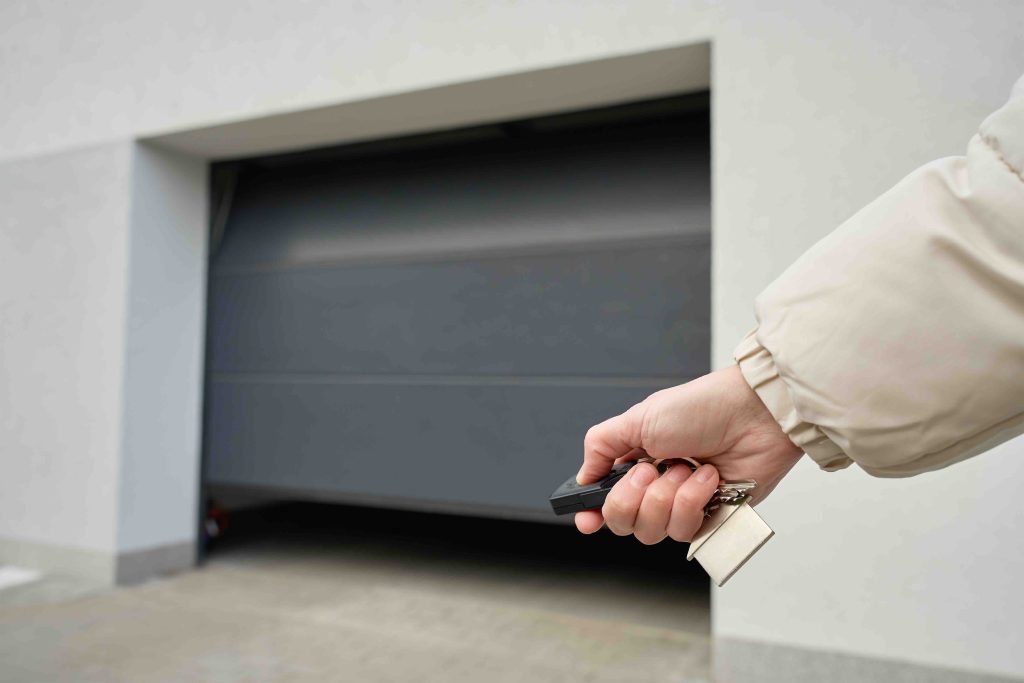
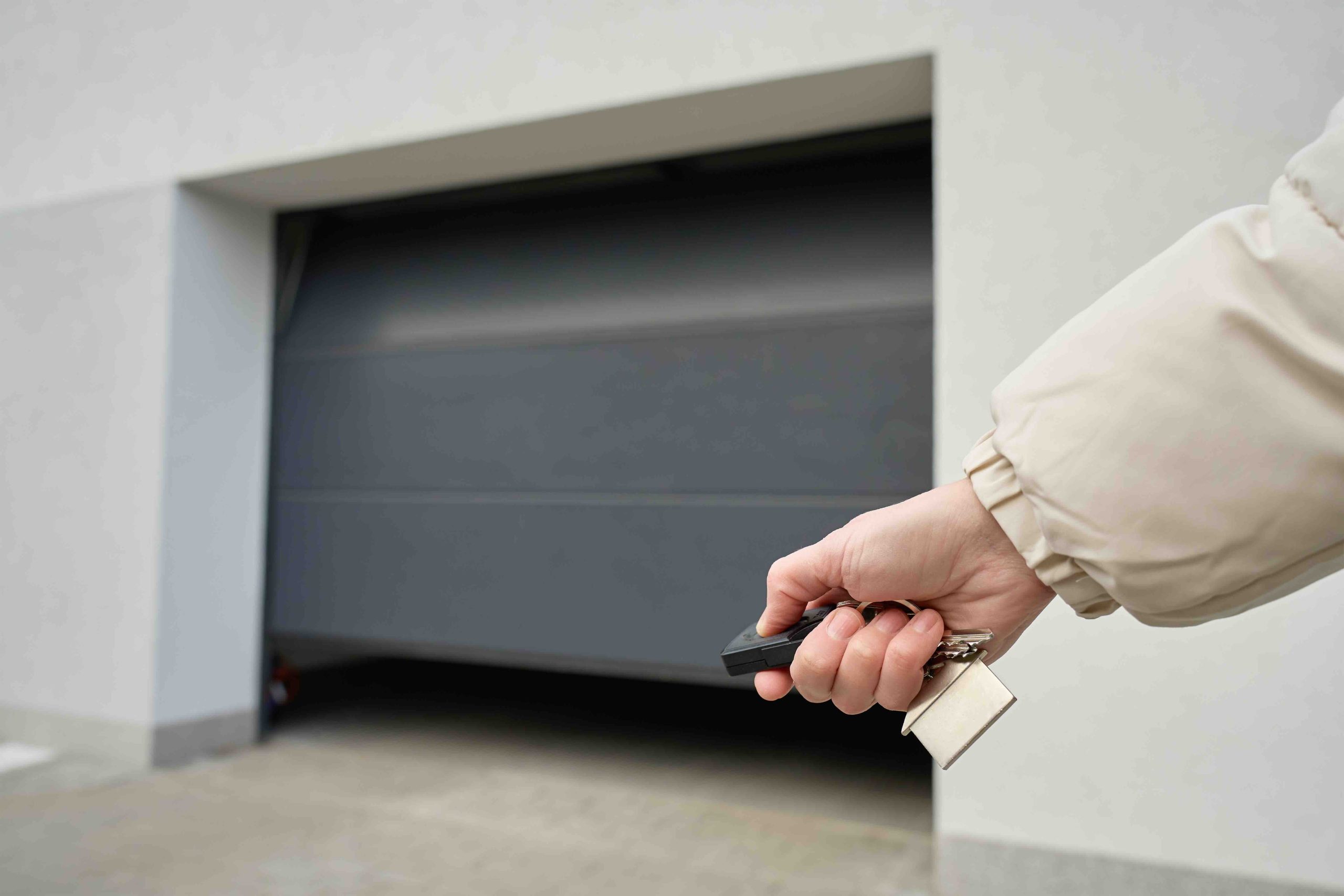
If you have a garage door opener, there is a decent chance you also have a LiftMaster wireless keypad mounted somewhere near the garage entrance. It is one of those small, unassuming devices that people forget about until it stops working. The keypad allows you to open and close your garage door by entering a PIN, which means no remote, no phone, just a code you remember. For homeowners who frequently come and go through the garage, it is genuinely convenient. But like most things in a home, it occasionally needs attention. Sometimes batteries die, sometimes codes get scrambled, and sometimes the whole unit just needs a fresh start. That is where the LiftMaster keypad reset process comes in. Understanding how this works, and what to do when something goes wrong, can save you a service call and a fair amount of frustration.
How a LiftMaster Wireless Keypad Actually Works
The LiftMaster keypad communicates wirelessly with your garage door opener unit, which is typically mounted to the ceiling of your garage. When you enter the correct PIN and press the enter button, the keypad sends a signal to the opener, which then triggers the motor to raise or lower the door. Most modern LiftMaster keypads use rolling code technology, meaning the security code changes after every use. This makes it significantly harder for someone to intercept the signal and gain unauthorized access. The keypad itself is weather-resistant, designed to handle outdoor exposure, and runs on a standard 9-volt battery. When the system is functioning correctly, the whole interaction takes about two seconds. When it is not functioning correctly, it can feel like you are locked out of your own home, which is not a great way to start or end a day.
Common Reasons You Might Need to Reset Your LiftMaster Keypad
There are several scenarios that typically send homeowners searching for reset instructions. Some are minor, some are slightly more involved. Knowing the cause helps you choose the right fix the first time.
- The PIN has been forgotten or was never properly programmed to begin with
- New batteries were installed but the keypad is still unresponsive
- The garage door opener unit was replaced or reset, clearing the paired devices
- Someone else in the household changed the code and did not share the update
- The keypad has lost its connection to the opener due to signal interference
- A power surge affected the opener unit and wiped its memory
Each of these situations calls for a reset or reprogramming sequence, and LiftMaster has made the process relatively straightforward for most of their models.
Step-by-Step Guide to Resetting a LiftMaster Keypad
The general reset process applies to most LiftMaster keypad models, though you should always cross-reference with the manual for your specific unit. Start by locating the Learn button on your garage door opener motor unit, typically found on the back or side panel. Press and hold that button for about six seconds until the indicator light turns off, which clears all previously programmed remotes and keypads. Now you are starting fresh. Head to your keypad, enter a new four-digit PIN of your choice, then press and hold the Enter button. Walk back to the opener unit and press the Learn button one more time within about 30 seconds. Return to the keypad, enter your new PIN again, and press Enter. If the garage door moves or the opener light flashes, the programming was successful. If nothing happens, repeat the sequence. Occasionally it takes two attempts, and that is completely normal.

Key Advantages of Using a LiftMaster Keypad System
The appeal of a keypad system goes beyond basic convenience. There is real value here for everyday homeowners, and it is worth understanding what you are actually getting out of this setup. First, it eliminates the need to carry a remote with you at all times. Remotes get lost, left in cars, or handed off accidentally. A keypad is always in one place. Second, you can share access with family members, house guests, or service workers without giving them a physical key or a remote. You can also change the code afterward to revoke that access. Third, most LiftMaster keypads are durable enough to handle rain, dust, and temperature fluctuations, making them reliable across most U.S. climates. Fourth, the rolling code security feature adds a meaningful layer of protection that older fixed-code systems simply cannot offer. For a device that costs relatively little and installs in minutes, the return on investment is solid.
Limitations and Common Drawbacks to Know About
No home system is without its quirks, and the LiftMaster keypad is no exception. Battery life can be inconsistent depending on usage frequency and weather exposure. Cold temperatures in particular can shorten battery performance faster than expected. The reset process, while not complicated, does require access to the physical Learn button on the opener unit, which is sometimes mounted in an awkward location in the garage ceiling. If you are not comfortable with ladders or tight spaces, that step can be a minor obstacle. Additionally, older LiftMaster opener models may not be compatible with newer keypad units, so compatibility is something to verify before purchasing a replacement keypad. Finally, if the opener unit itself has a mechanical or electrical failure, reprogramming the keypad will not resolve the underlying problem. That distinction matters more than people might initially realize.
When a Keypad Issue Points to a Bigger Garage Door Problem
Sometimes what looks like a keypad issue is actually a symptom of something happening with the garage door opener system as a whole. If your keypad was working fine and suddenly stops responding even after a reset and fresh batteries, the problem might be interference from nearby electronics, a failing logic board in the opener unit, or damaged wiring. Garage door openers are mechanical systems with motors, sensors, springs, and drive mechanisms, all of which experience wear over time. A malfunctioning opener is one of the more common and costly home system repairs that homeowners encounter, often arriving without much warning. Recognizing when the keypad is not the real issue can help you get the right repair faster and avoid spending money on a solution that does not address the actual problem.
Practical Maintenance Tips for Your LiftMaster Keypad
Keeping your keypad in good working order does not require much effort, but consistency makes a difference. Replace the battery once a year regardless of whether the device seems to be struggling, since preventive replacement is far easier than troubleshooting a dead unit in the middle of a busy morning. If the keypad is exposed to direct sunlight or extreme temperatures, check the battery more frequently. Clean the keypad surface periodically with a dry or slightly damp cloth to prevent dust buildup around the buttons. Avoid pressing buttons with excessive force, as repeated impact can wear down the internal contacts over time. If you ever reset the opener unit for any reason, remember that all paired devices including the keypad will need to be reprogrammed. Keeping a note of your PIN somewhere secure but accessible is also just a smart habit.
How Home Warranty Coverage Connects to Your Garage Door Opener System
When a garage door opener fails, whether that is a motor burnout, a circuit board issue, or a sensor malfunction, the repair cost can catch homeowners off guard. Parts and labor for opener repairs typically range from a few hundred dollars to over a thousand depending on the severity. This is exactly the kind of unexpected expense that a home warranty is designed to absorb. A quality home warranty plan covers the repair or replacement of major home systems and appliances, and garage door openers often fall within that coverage. The keypad itself may or may not be included depending on the plan, but the opener unit, which is the more expensive component, frequently is. Understanding the relationship between your garage system and your warranty coverage helps you respond to problems more strategically and with less financial stress.
Why Armadillo Is the Smart Choice for Homeowners Who Want Real Protection
If you found yourself troubleshooting your LiftMaster keypad today, there is a reasonable chance you have also wondered what happens when something bigger breaks. Garage door openers, HVAC systems, water heaters, and kitchen appliances all have a lifespan, and none of them send a calendar invite before they fail. That unpredictability is exactly why Armadillo home warranty coverage for garage door openers and major home systems exists. Armadillo offers straightforward, honest protection that covers the things homeowners actually rely on every day, without the fine print surprises that make warranty claims feel like an uphill battle. The plans are transparent, the service is responsive, and the value is clear. If you are ready to stop absorbing the full cost of home system repairs on your own, now is a good time to get a free home warranty quote and protect your garage door system today. A small monthly cost now is a much easier conversation than an unexpected repair bill later.

Frequently Asked Questions About LiftMaster Keypad Reset and Home Protection
How do I reset my LiftMaster keypad if I forgot the PIN?
You will need to clear the existing programming by pressing and holding the Learn button on the garage door opener unit for six seconds until the indicator light turns off. Once cleared, you can reprogram a new PIN directly through the keypad by following the standard pairing sequence.
Why is my LiftMaster keypad not working after I changed the battery?
A fresh battery resolves power issues, but if the keypad is still unresponsive, the device may have lost its pairing with the opener. Perform a full reset and reprogram the keypad to restore the connection.
How many keypads can be paired with a single LiftMaster opener?
Most LiftMaster garage door opener models support multiple paired devices simultaneously, typically up to five or more, though the exact number depends on the specific model. Check your opener manual for the limit applicable to your unit.
Does resetting the LiftMaster opener erase all programmed remotes?
Yes. When you hold the Learn button to clear the memory, all paired devices including remotes, keypads, and HomeLink systems are erased. Each device must be reprogrammed individually after the reset.
How often should I replace the battery in my LiftMaster keypad?
Replacing the 9-volt battery annually is a reliable standard practice. If the keypad is exposed to cold temperatures or heavy use, checking it every six months is a reasonable precaution.
Can interference from other devices affect my LiftMaster keypad signal?
Yes. LED lighting, wireless routers, and nearby electronics can occasionally interfere with the radio frequency signal between the keypad and the opener. Relocating the source of interference or contacting LiftMaster support can help resolve persistent signal issues.
Is my LiftMaster keypad covered under a home warranty plan?
Coverage for garage door keypads varies by home warranty provider and plan tier. The garage door opener unit itself is more commonly covered. Review your specific plan details or speak with your warranty provider to confirm what components are included.
What should I do if my LiftMaster keypad buttons are physically damaged?
If the buttons are cracked, stuck, or visibly worn, the keypad should be replaced rather than repaired. LiftMaster replacement keypads are widely available and compatible with most of their opener models.
How secure is a LiftMaster keypad compared to a traditional lock?
LiftMaster keypads using rolling code technology offer strong security because the access code changes with every use, making signal interception essentially ineffective. However, physical keypad security depends on keeping your PIN private and changing it periodically.
Will a home warranty cover the repair of a garage door opener motor if it fails?
Many home warranty plans include garage door opener motor coverage under their systems or appliances categories. Coverage specifics vary by provider and plan, so reviewing your contract terms or speaking with your warranty provider directly will give you the most accurate answer for your situation.